How to run a project with several tasks
about 8 minutes
A project keeps related tasks together. A manager can give each task an owner and a due date, then check which tasks are complete.
Step 1 — Start a project
Open Projects. Click New project.
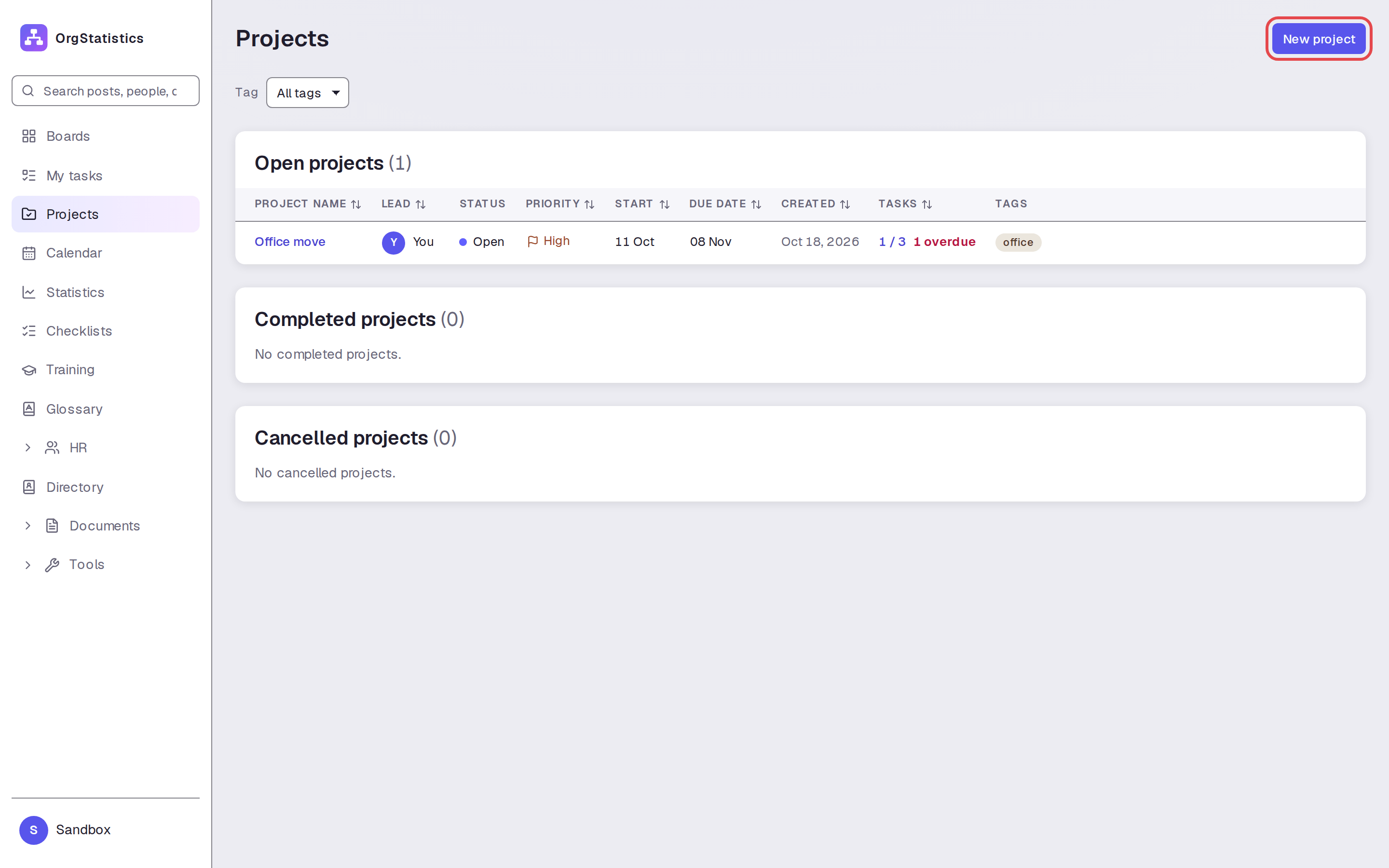
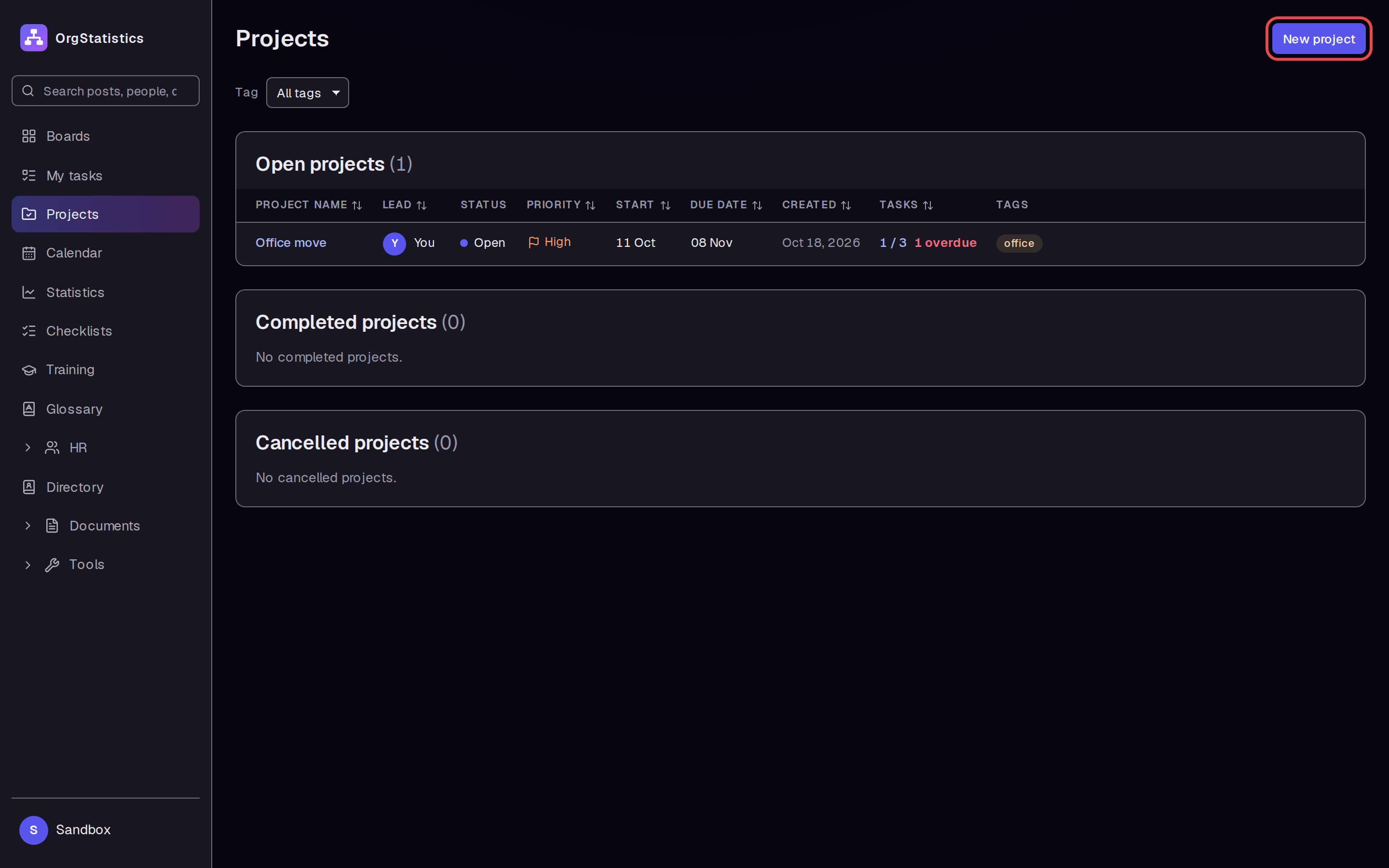
Step 2 — Enter the project details
Enter “Demo handbook refresh” in Title. Add a short Description. Keep You as Project lead.
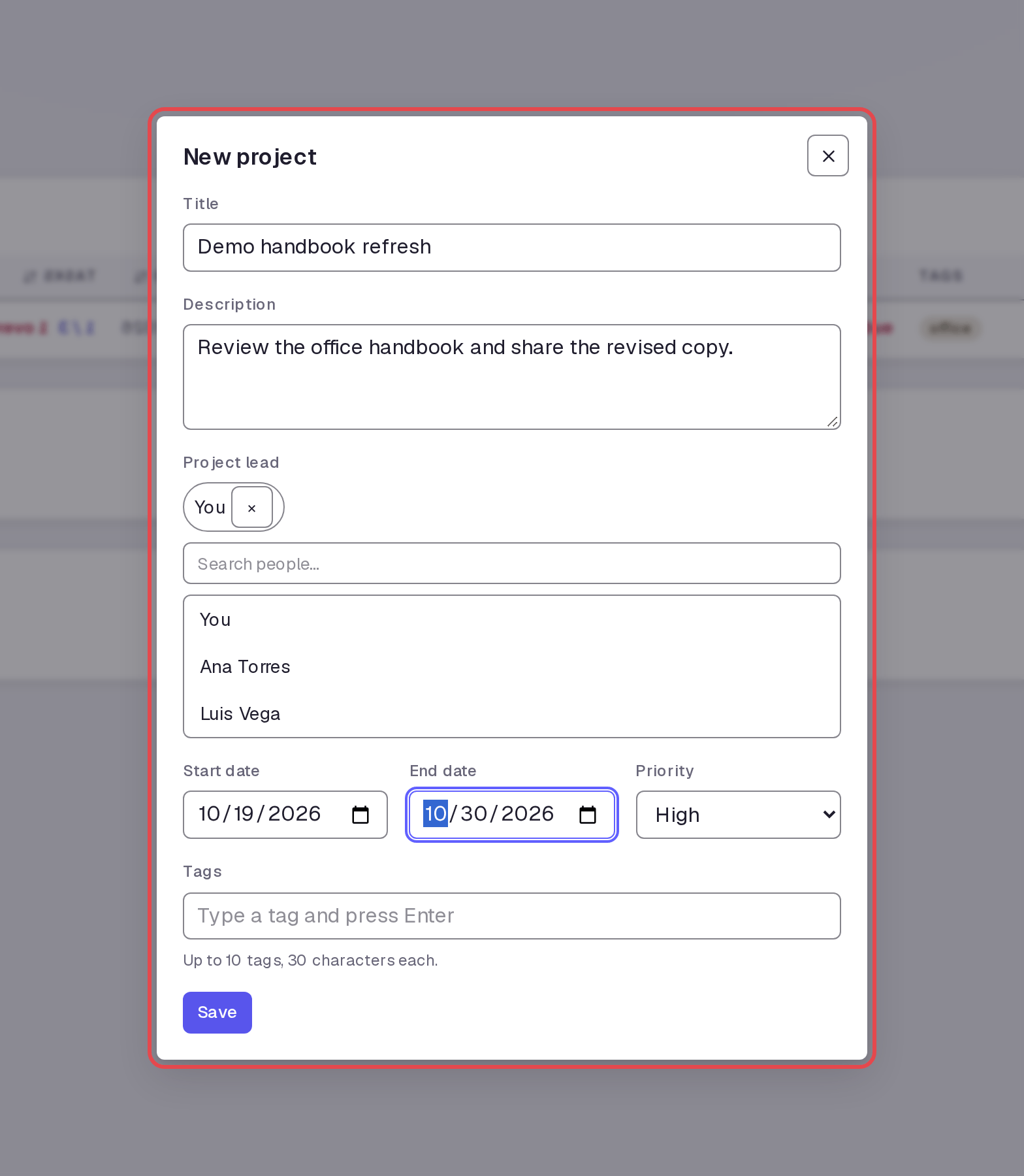
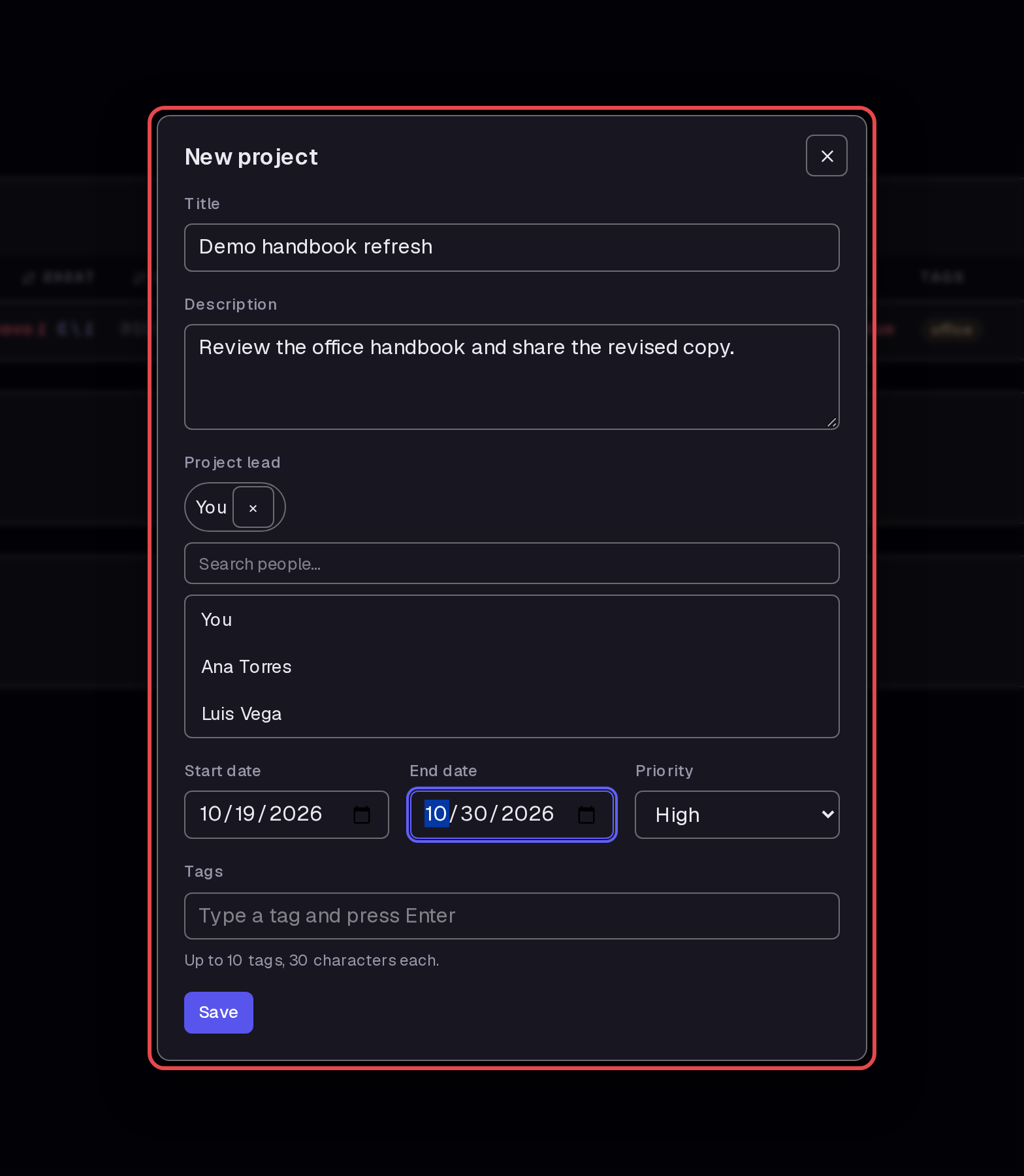
Step 3 — Open the first task form
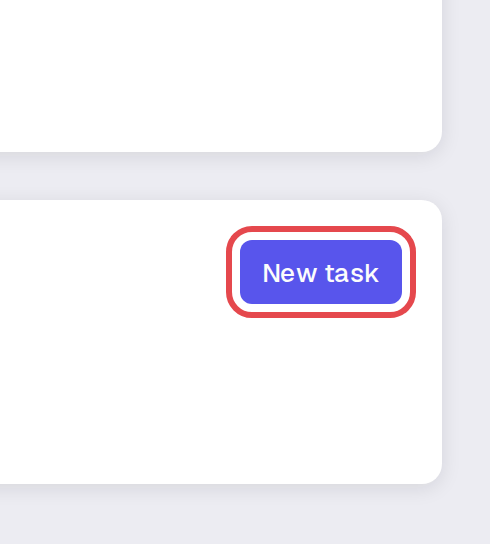
Click Save. The new project page opens. Click New task in the Tasks section.
Step 4 — Add your review task
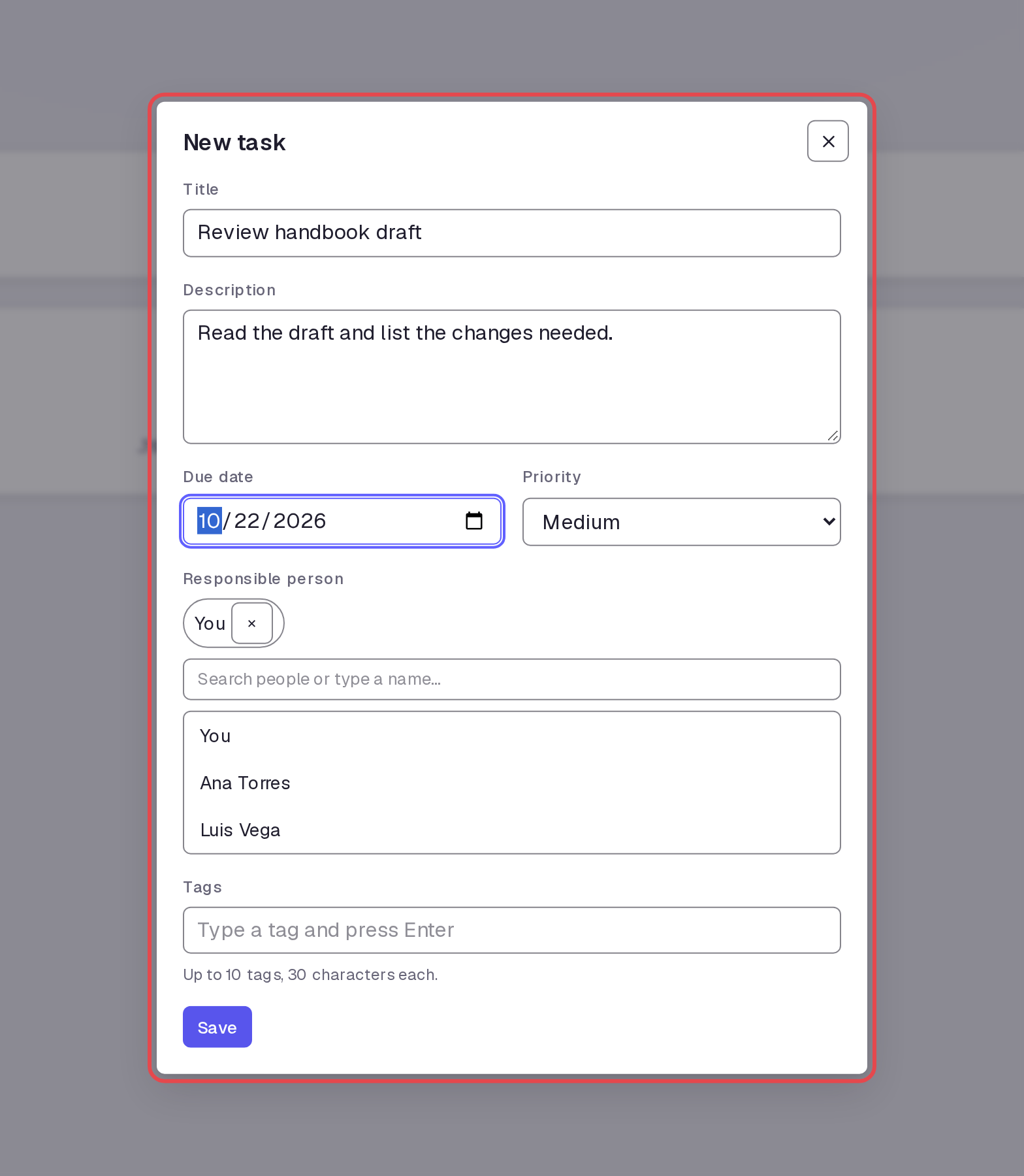
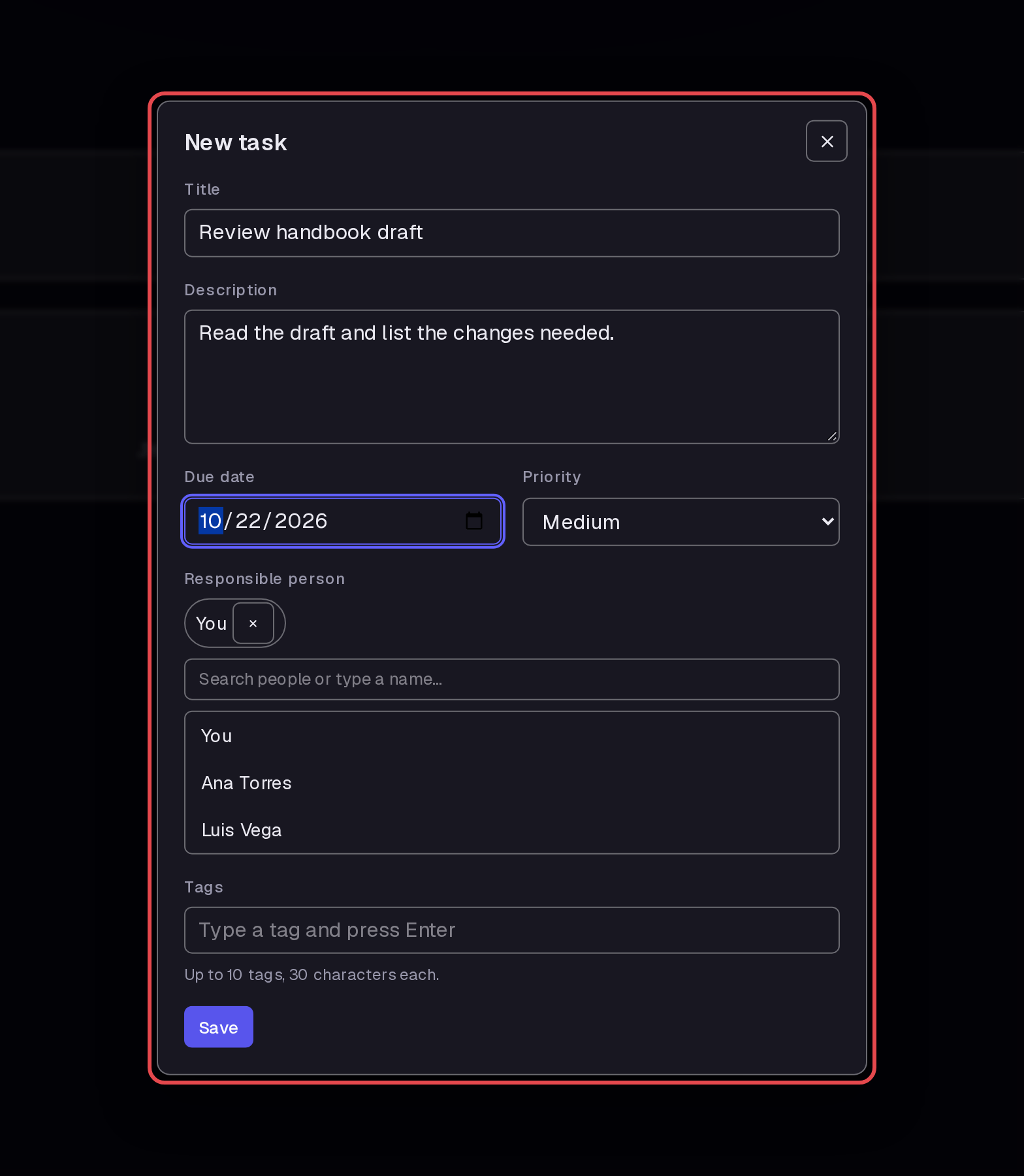
Fill in “Review handbook draft” as Title and “Read the draft and list the changes needed.” as Description. Set Due date to October 22, 2026. Click Save with You as Responsible person.
Step 5 — Assign a second task
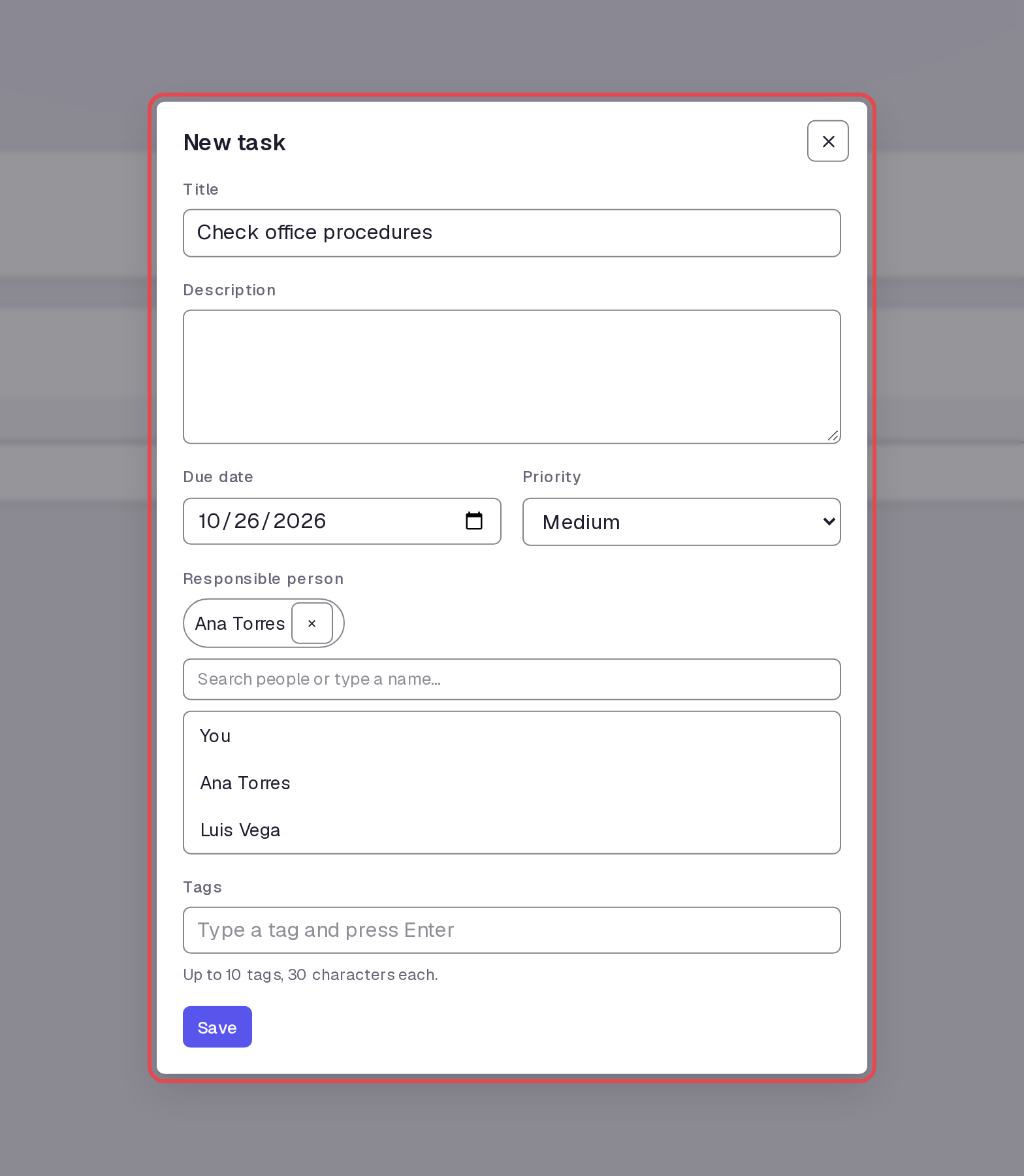
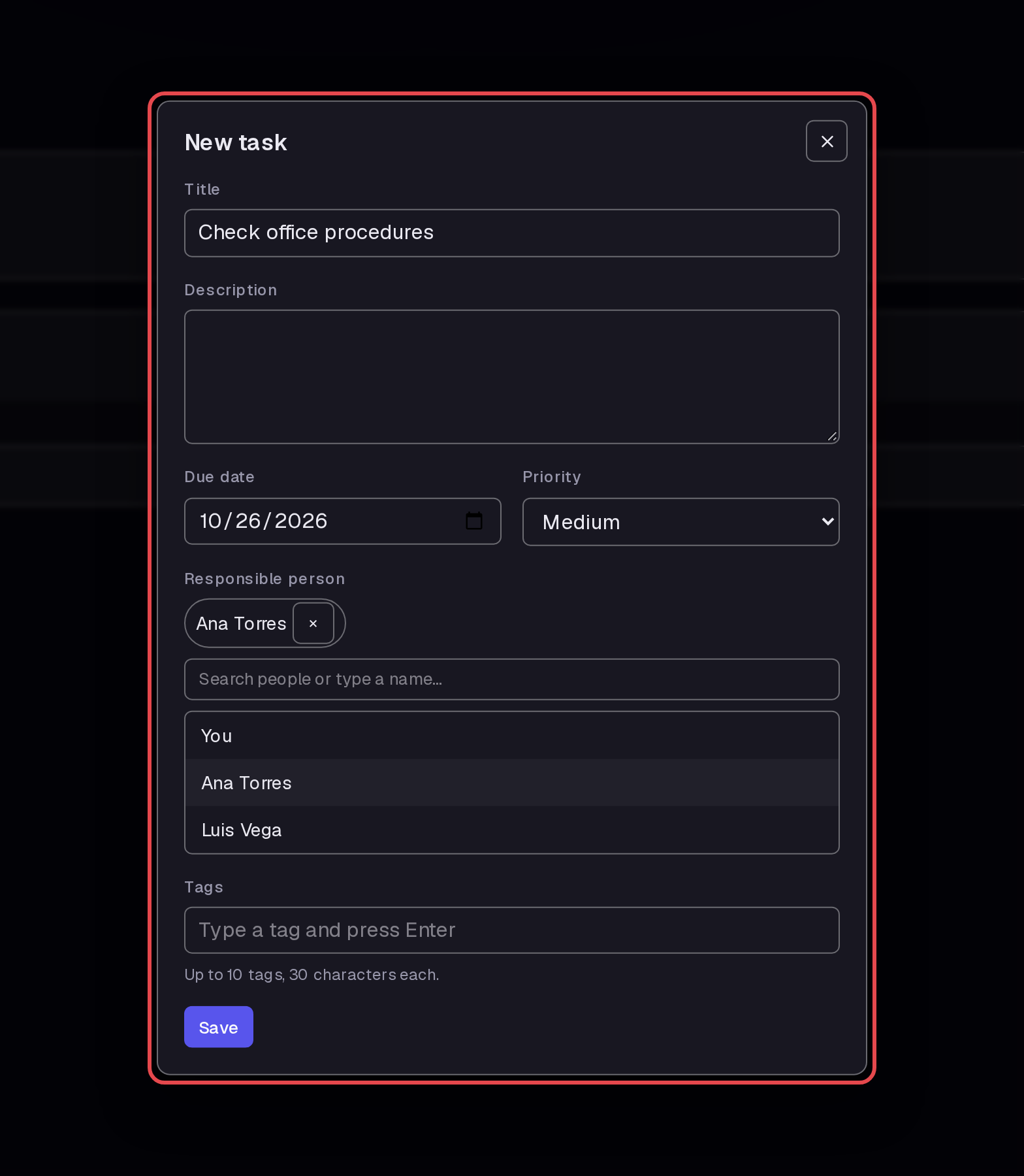
Click New task. Fill in “Check office procedures” as Title, October 26, 2026 as Due date, and Ana Torres as Responsible person. Click Save.
Step 6 — Add the final task
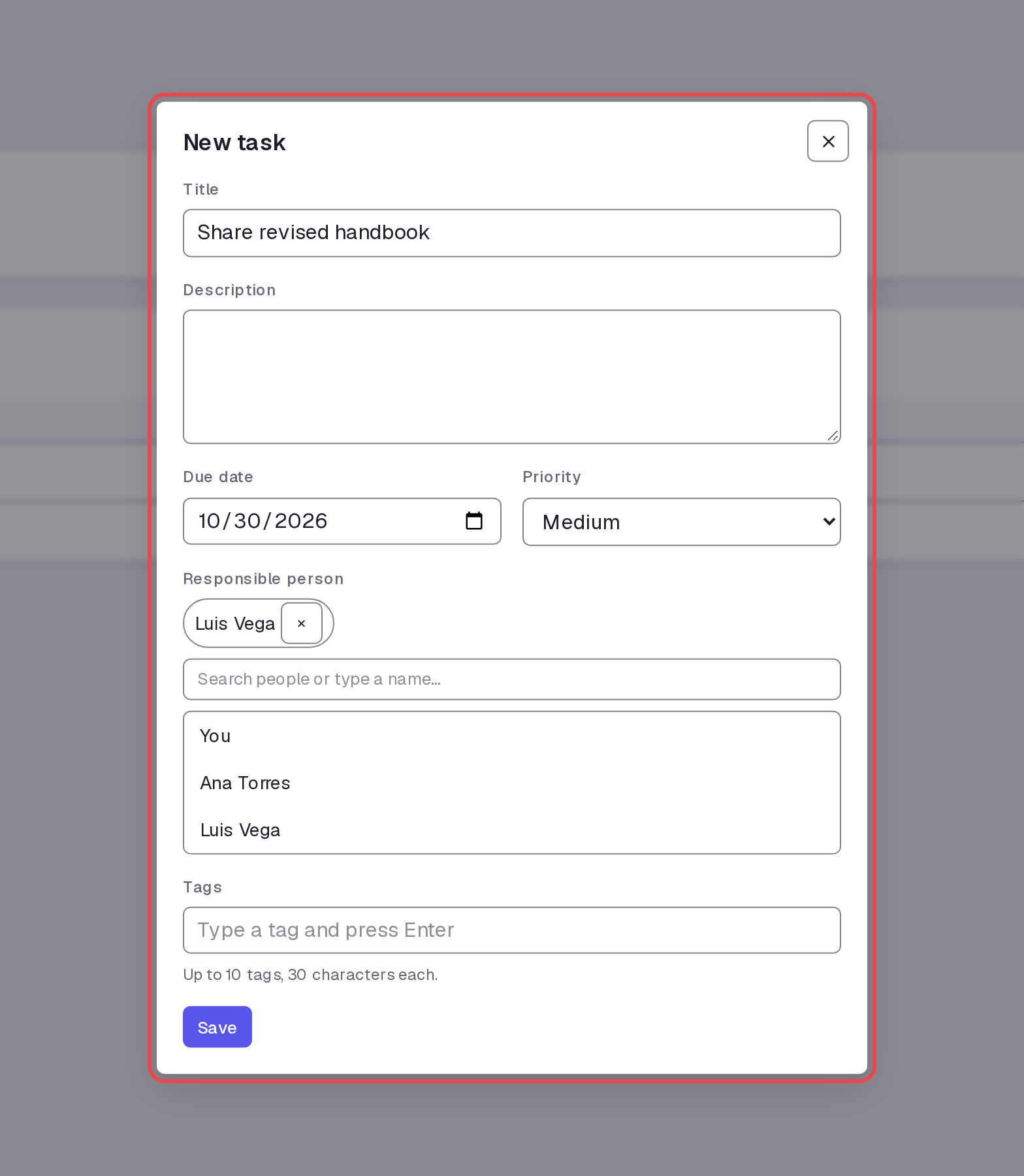
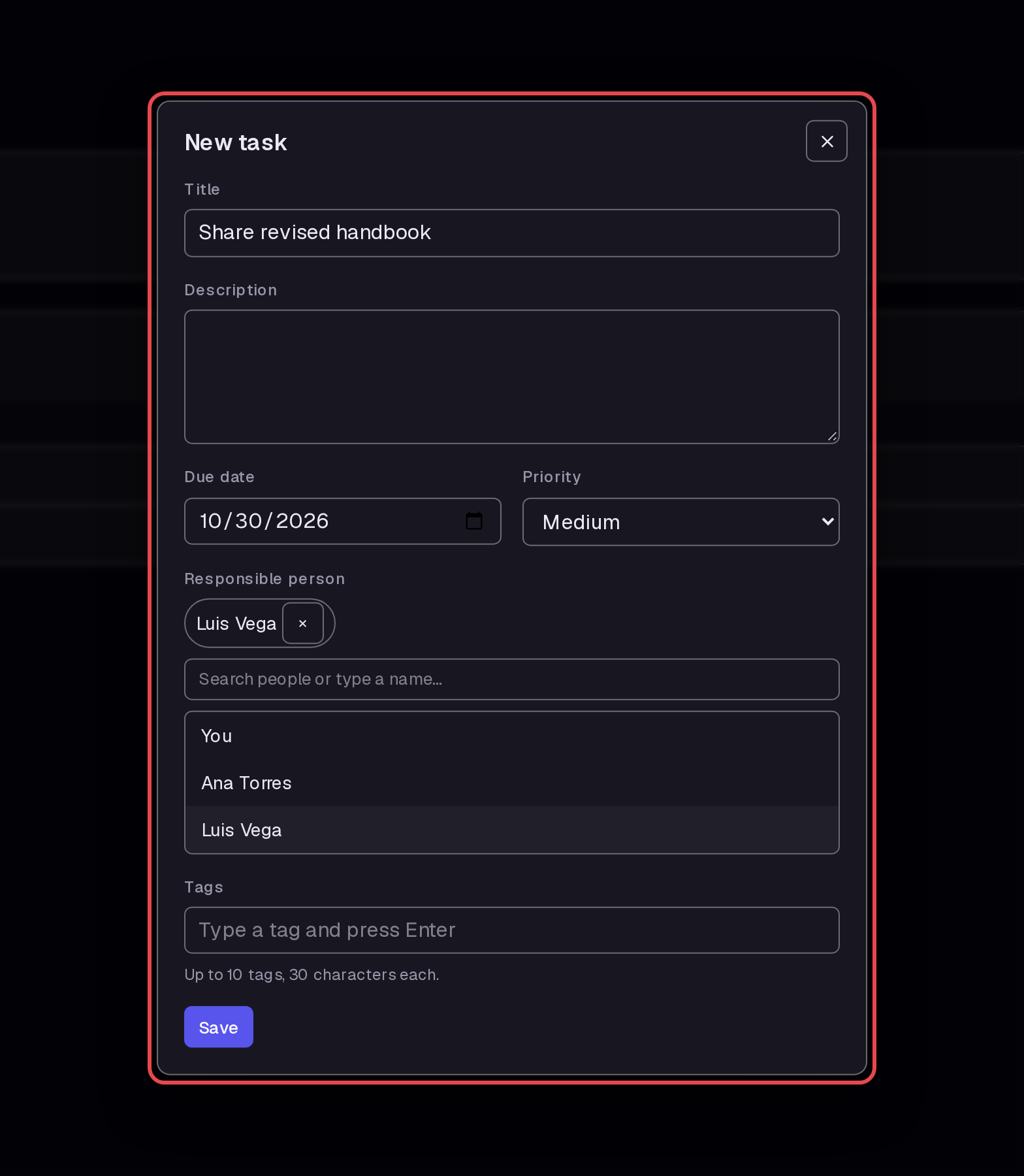
Click New task. Fill in “Share revised handbook” as Title, October 30, 2026 as Due date, and Luis Vega as Responsible person. Click Save.
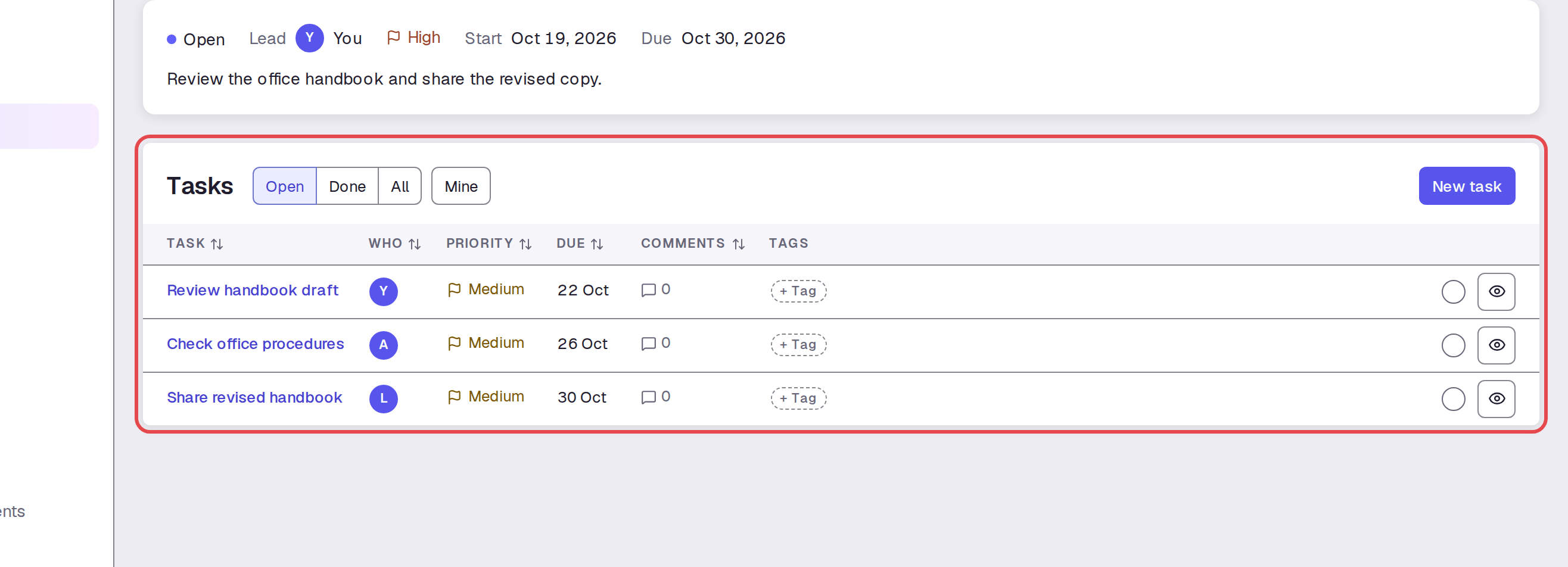
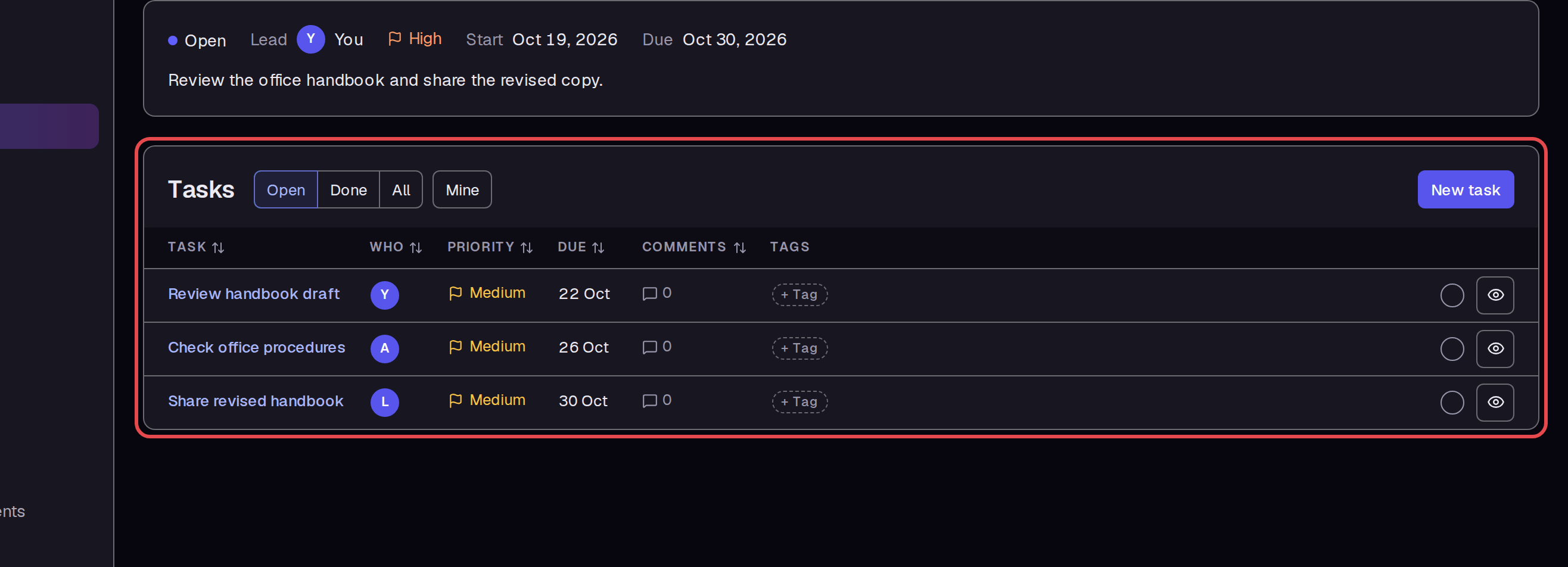
Step 7 — Review the project task list
Check the three tasks in the project's Tasks section. Use Who and Due to check their owners and dates.
Step 8 — Open a task page
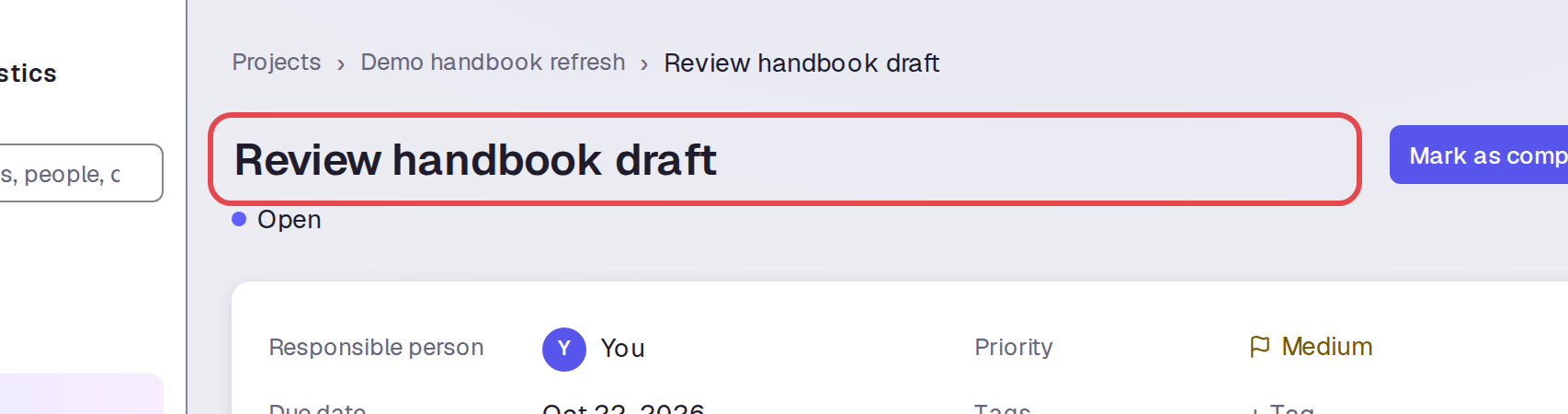
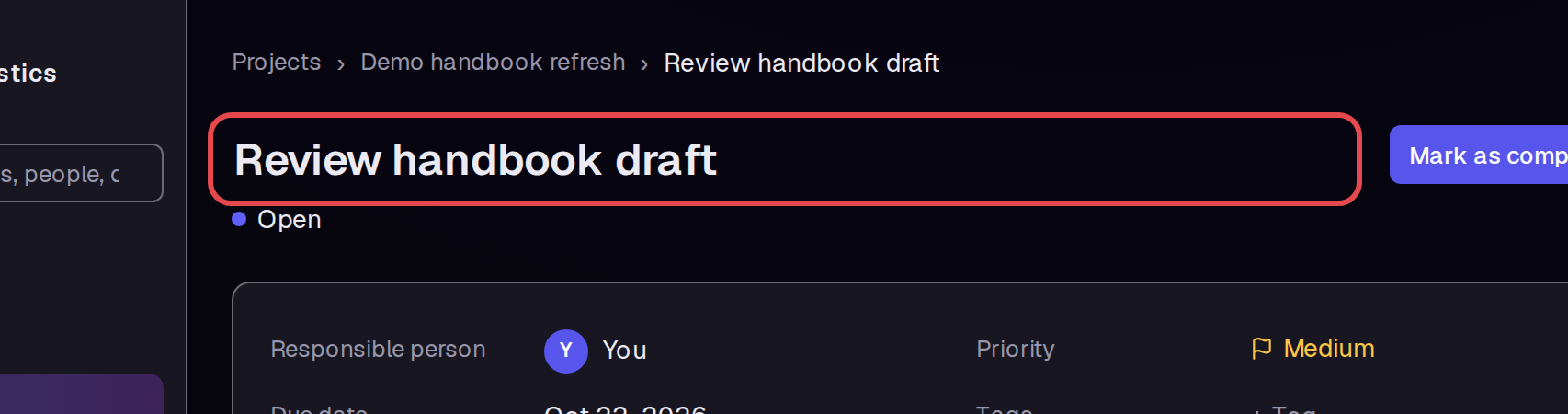
Click Review handbook draft. Check the task title and its Open status on the task page.
Step 9 — Find the task in My tasks
Open My tasks. Find Review handbook draft and check that its Project is Demo handbook refresh.
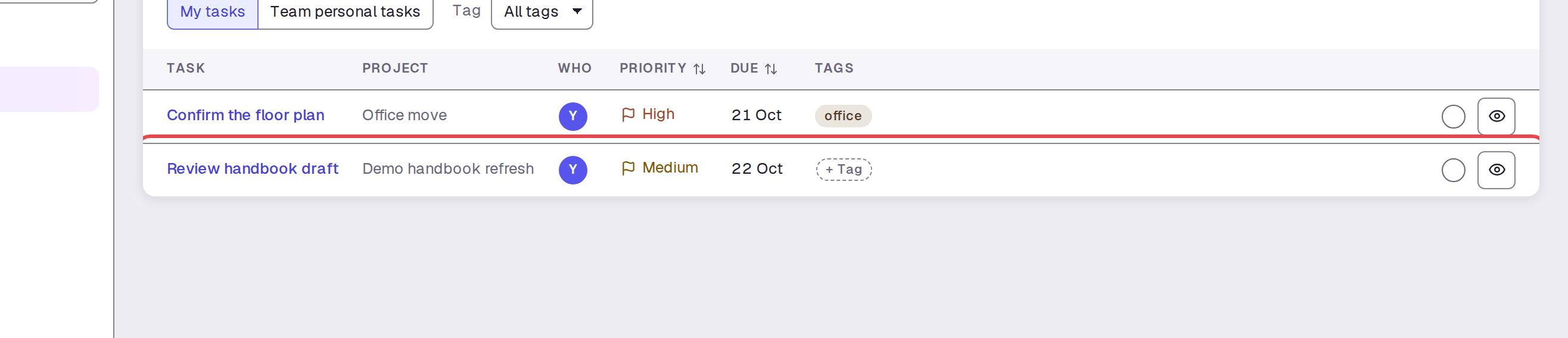
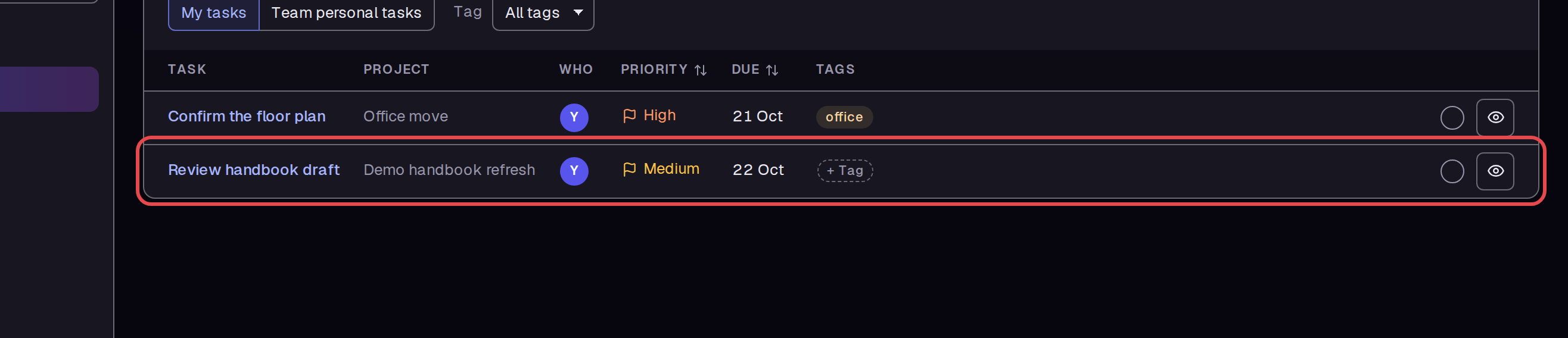
Step 10 — Complete the task
Open Review handbook draft from the list. Click Mark as complete. Its status changes to Completed, and the page shows who completed it and when.
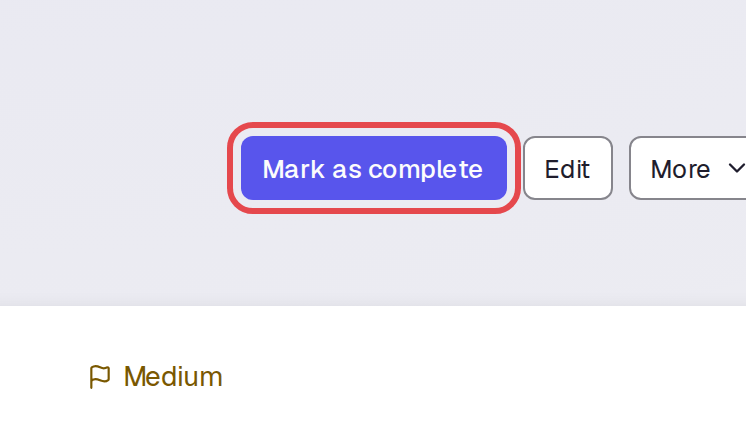
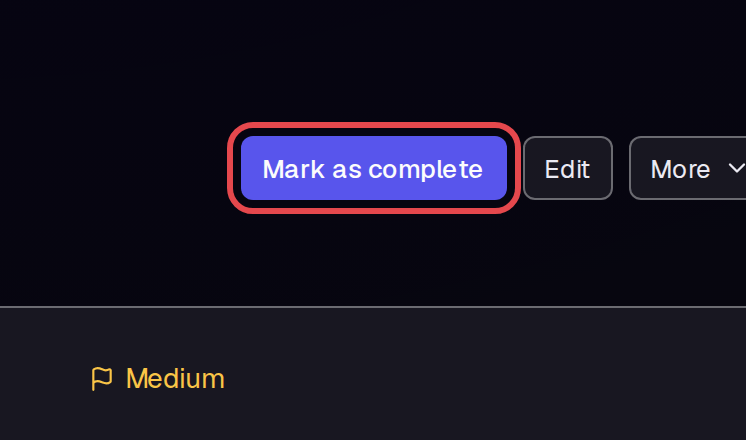
Step 11 — Show completed work in My tasks
Return to My tasks. Select Show completed to include the finished task. Its Due cell now shows its completion date.
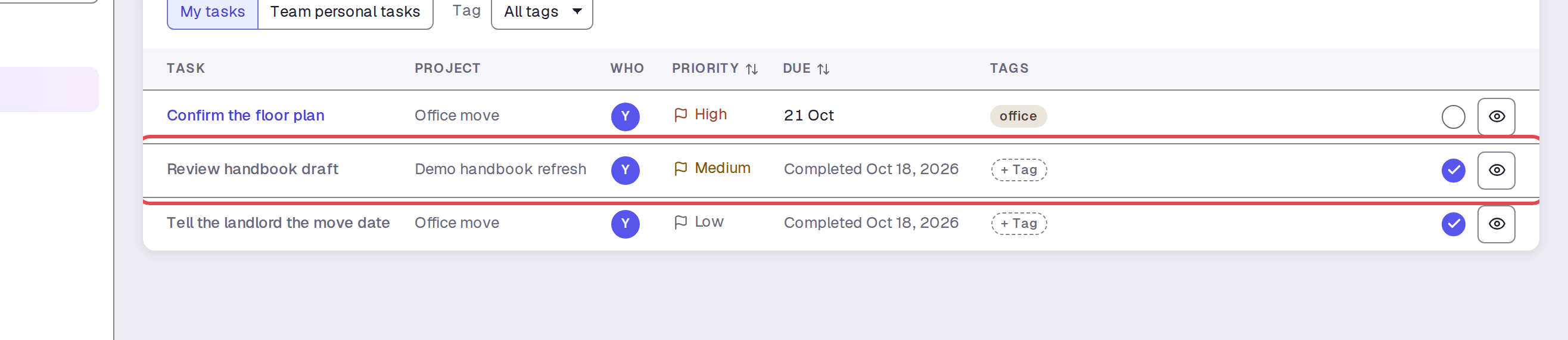
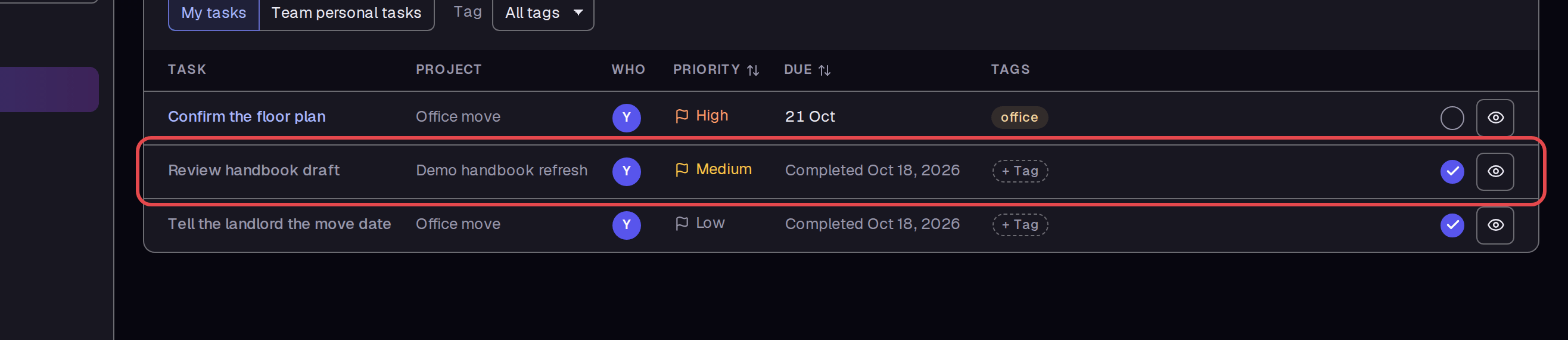
Step 12 — Check completed tasks in the project
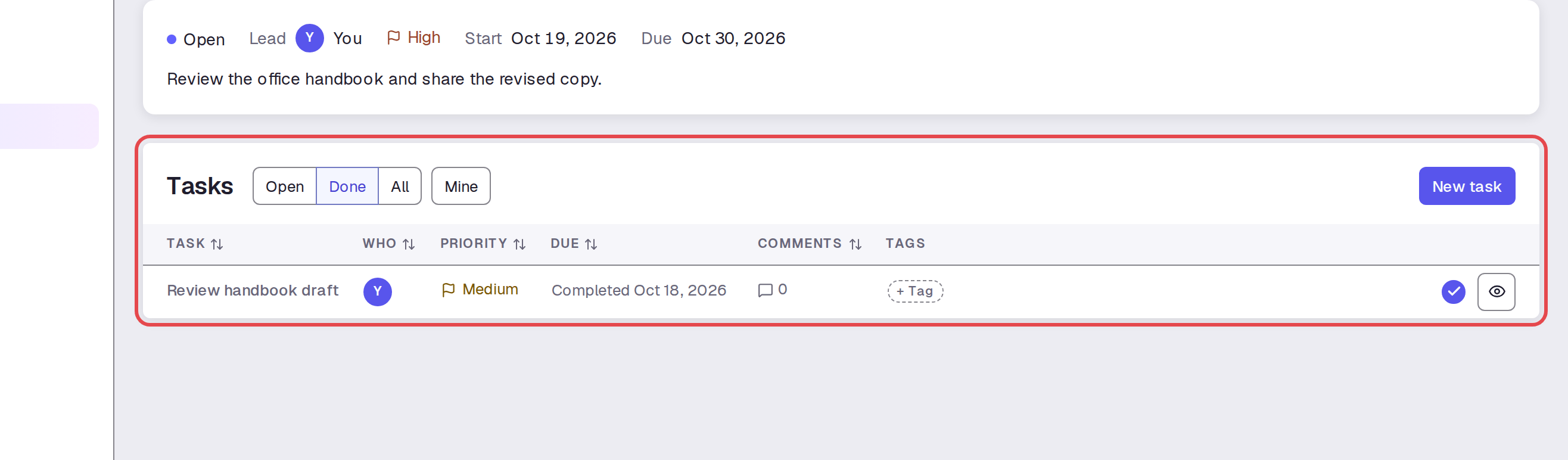
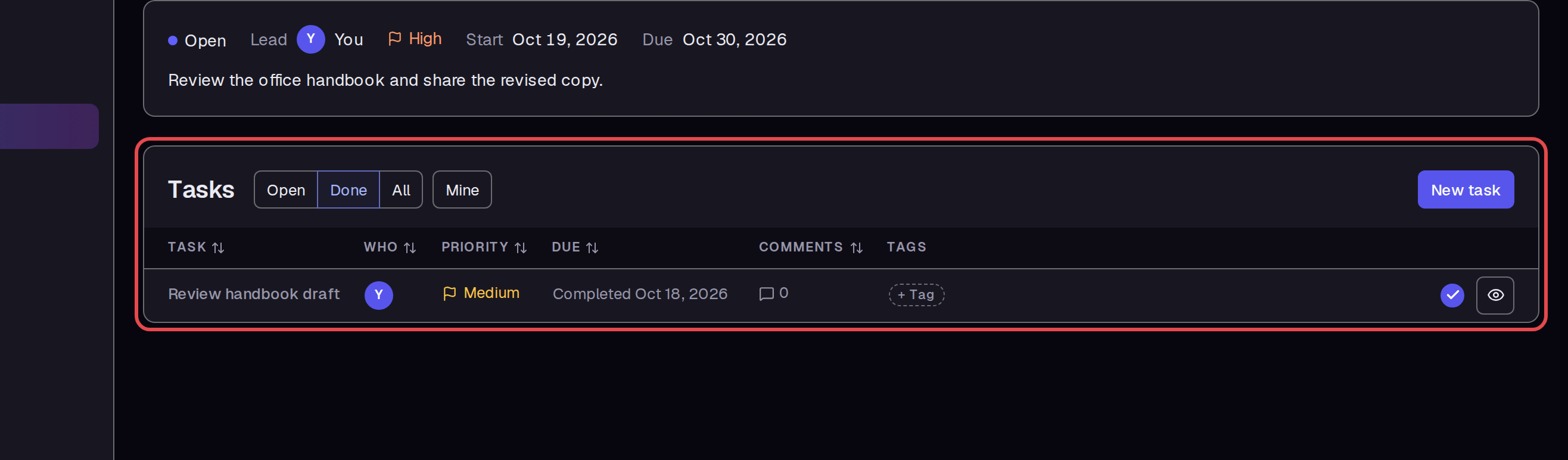
Open Demo handbook refresh. In Tasks, select Done. The completed review task appears in this filtered list.
Tips
- Open, Done, and All filter the project task list.
- Completing one task leaves the project status Open. The project has a separate Mark as completed button.
- A completed task page offers Reopen. We checked that reopening and completing the task worked.
- My tasks hides completed tasks until you select Show completed.
What next
Read Checklists and tasks for the related task workflow. Use Document fields and templates to prepare a form for your project, or Write SOPs and documents for general document work.