Sign-offs that move in the right order.
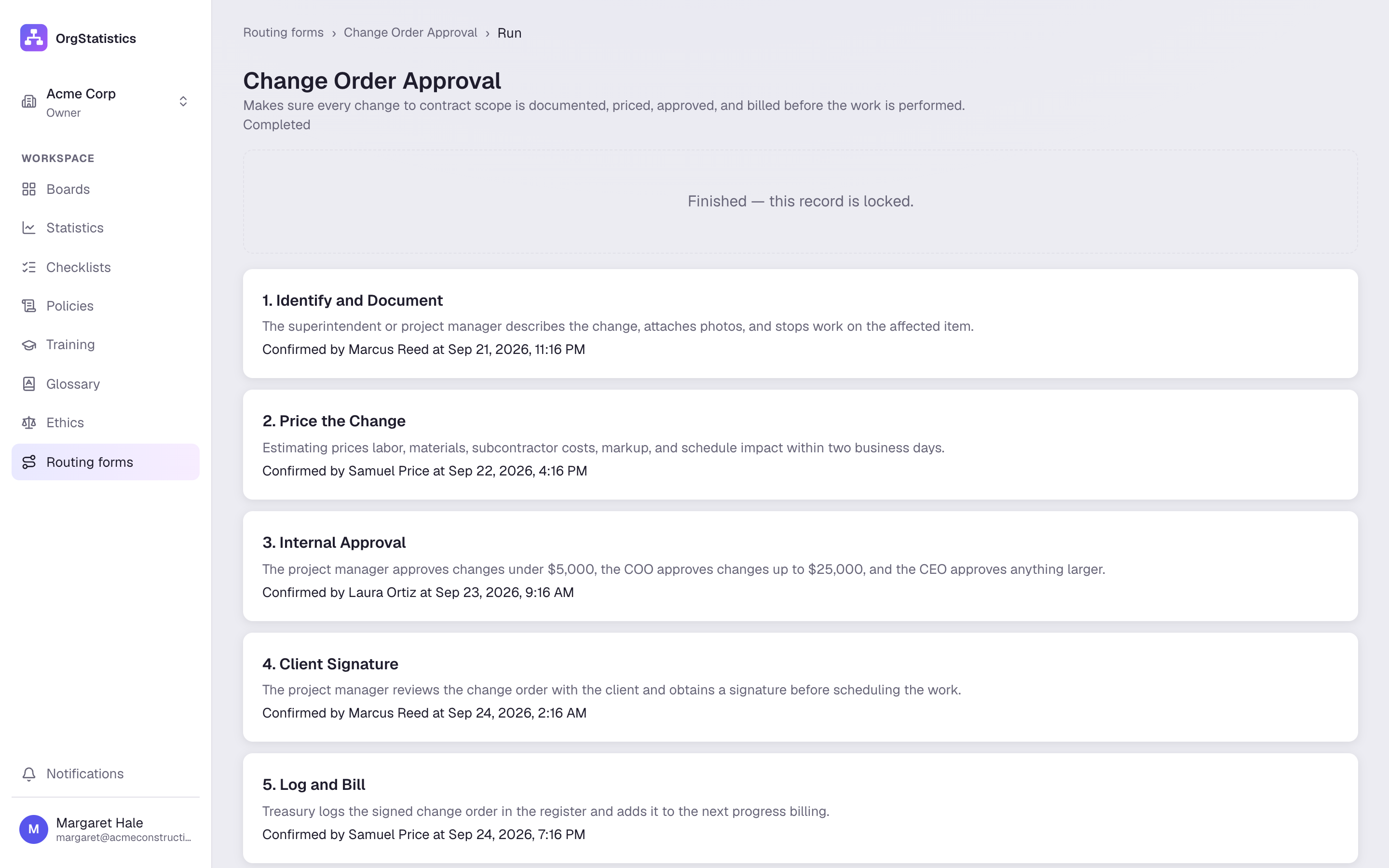
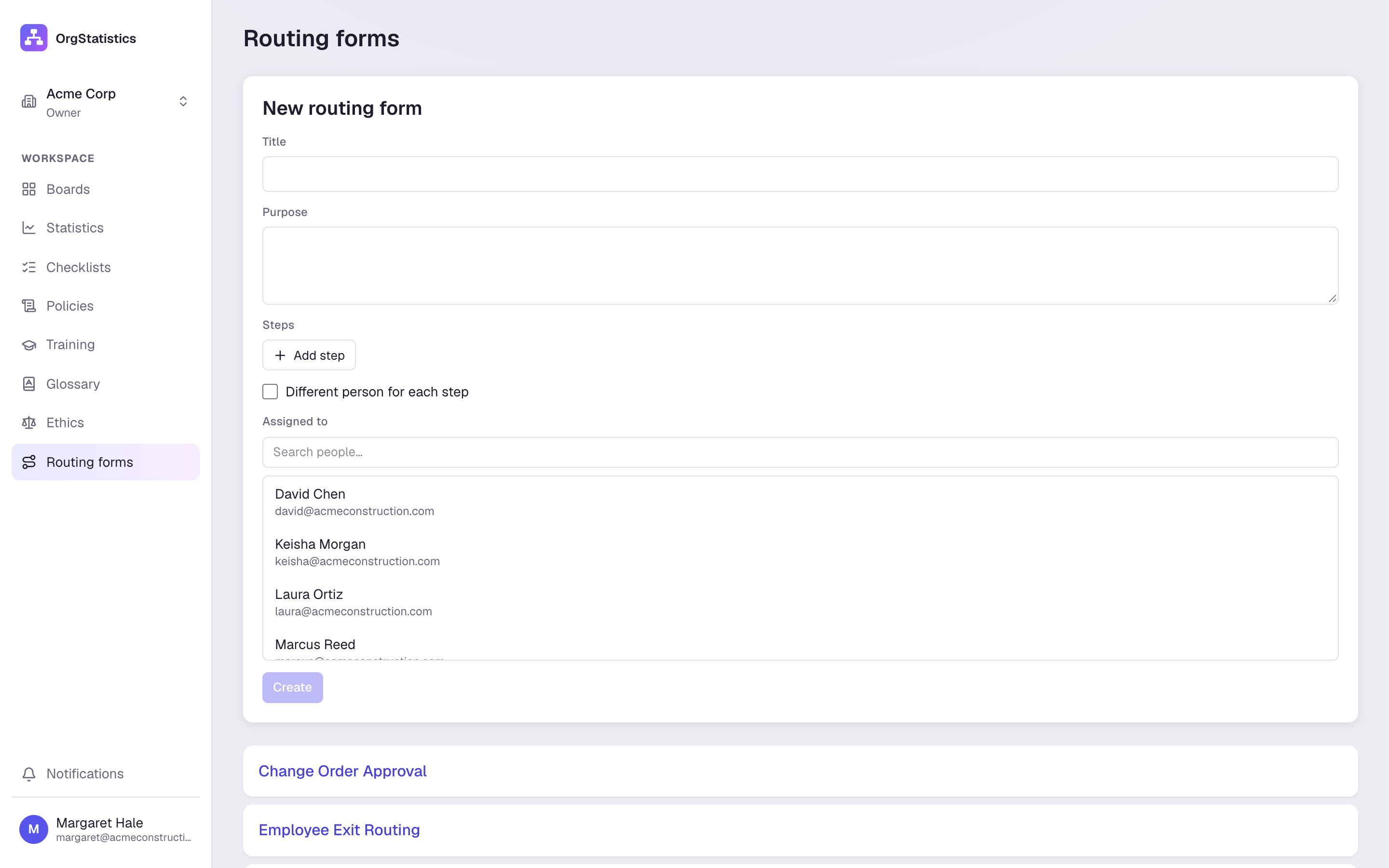
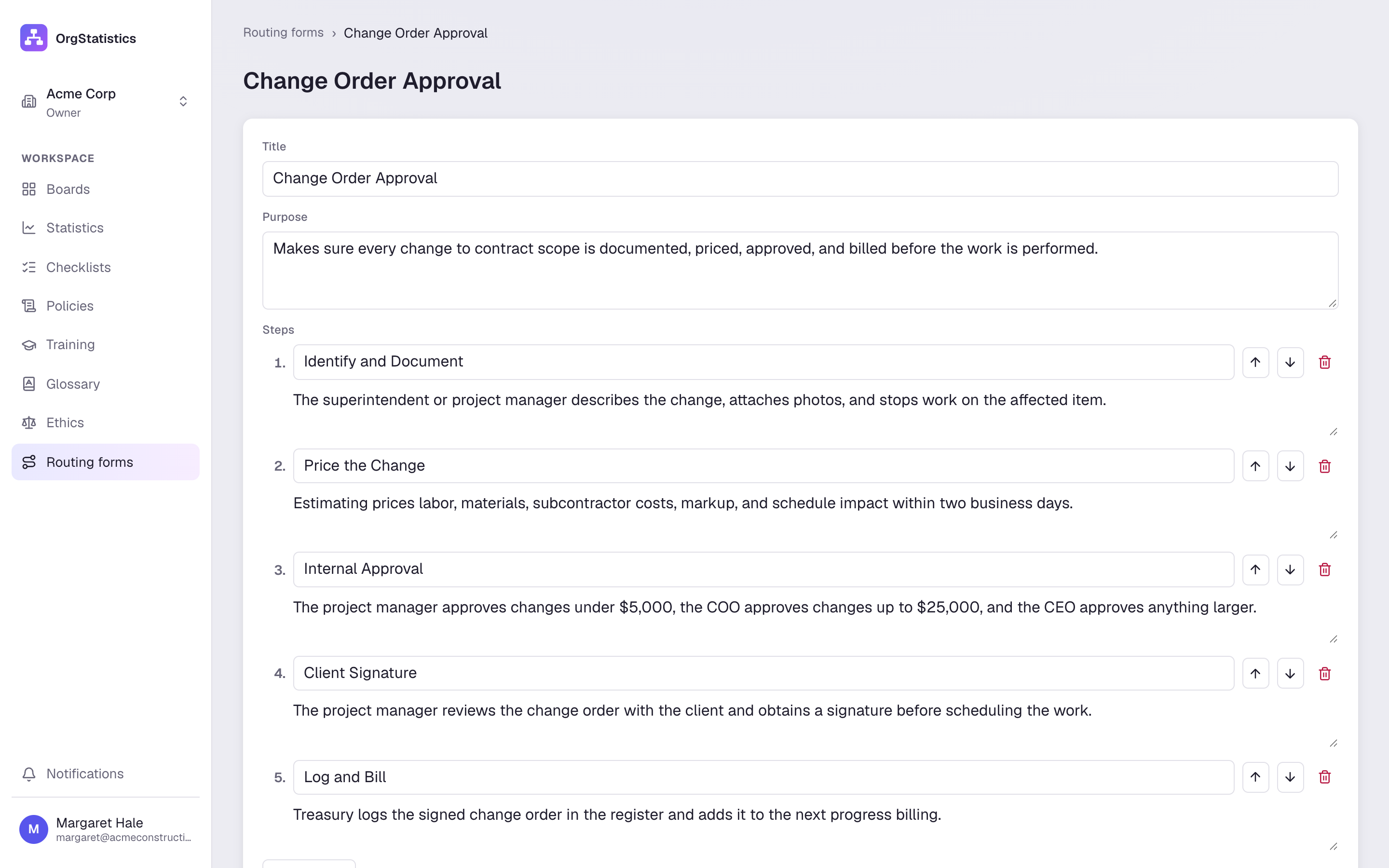
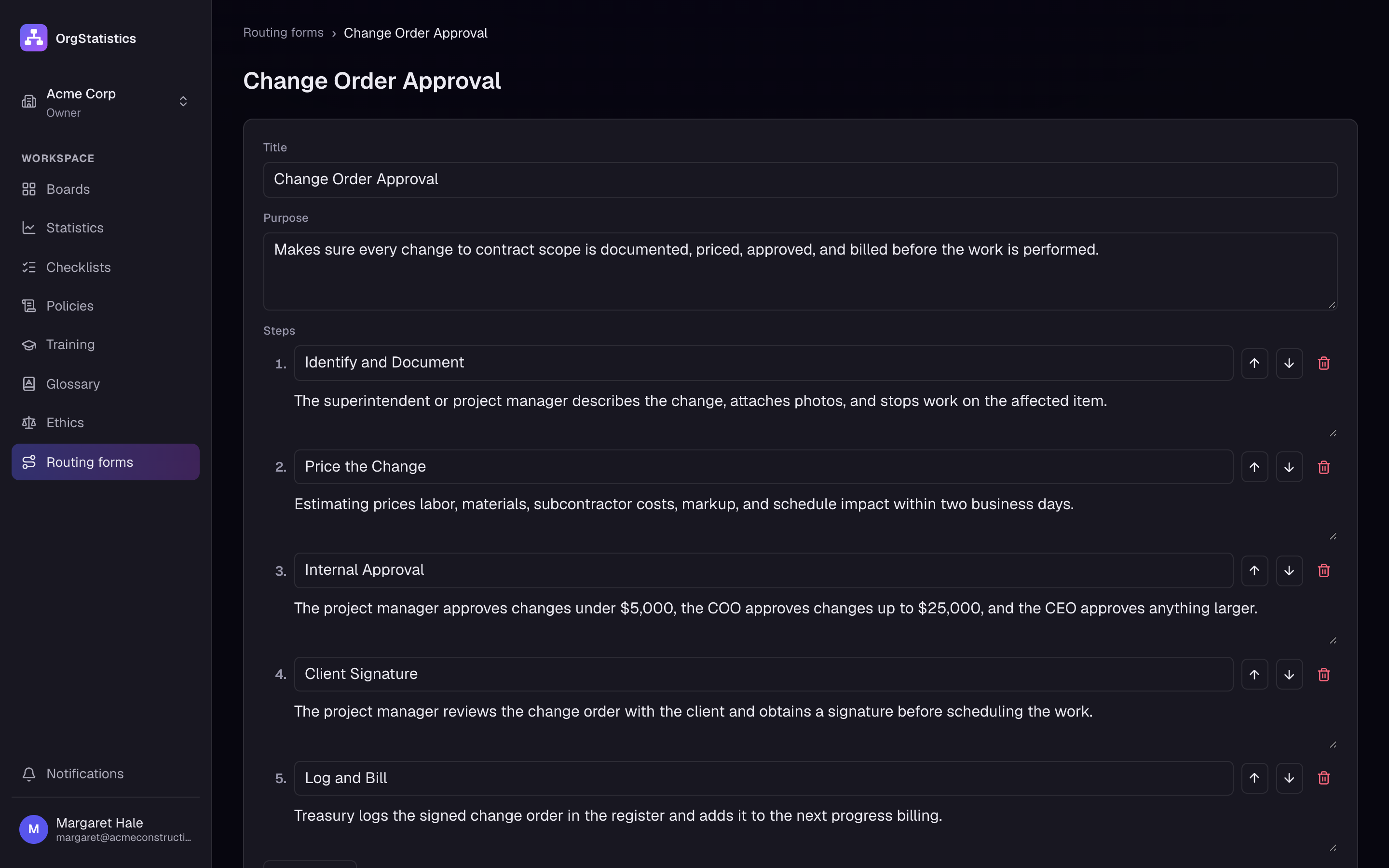
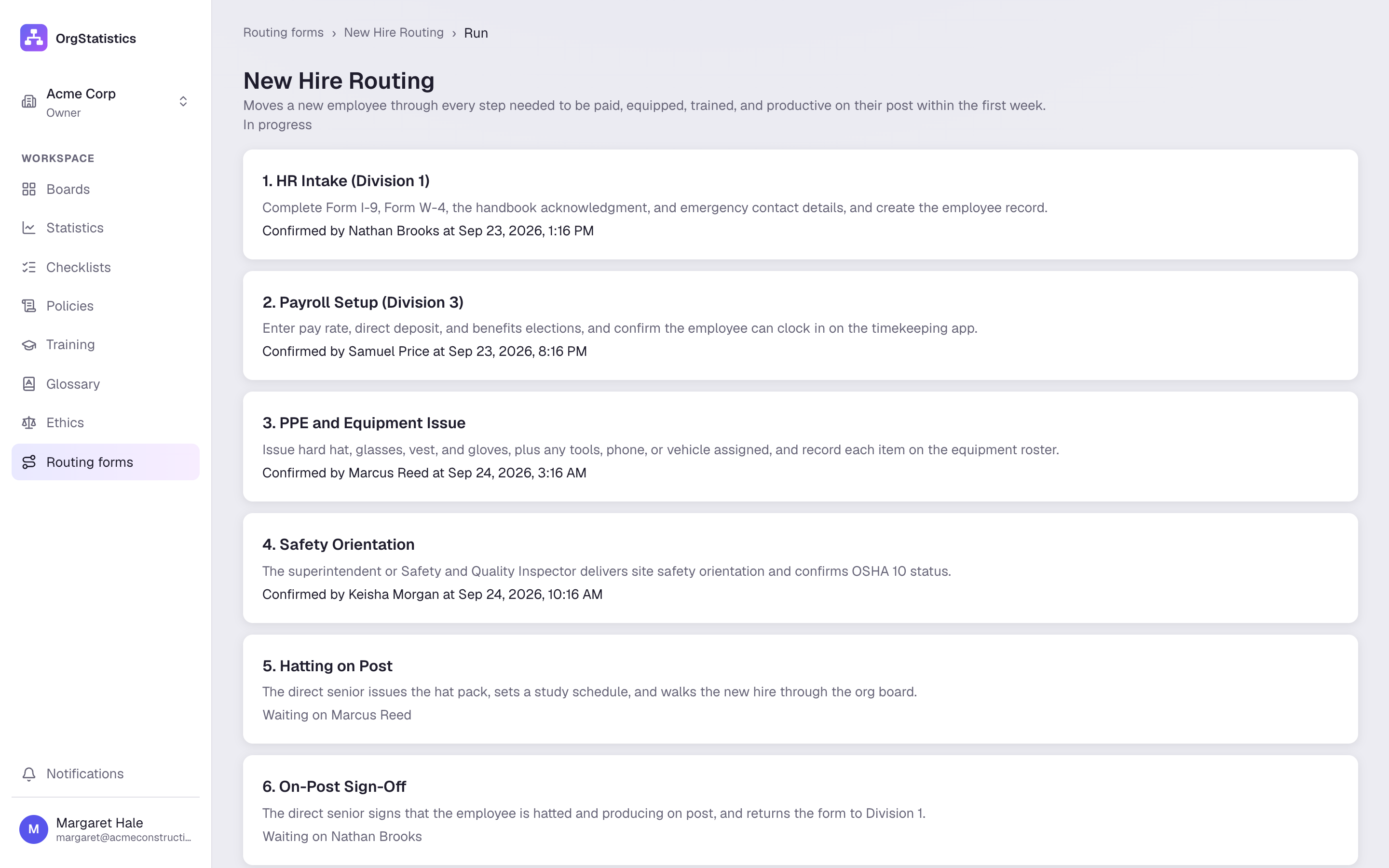
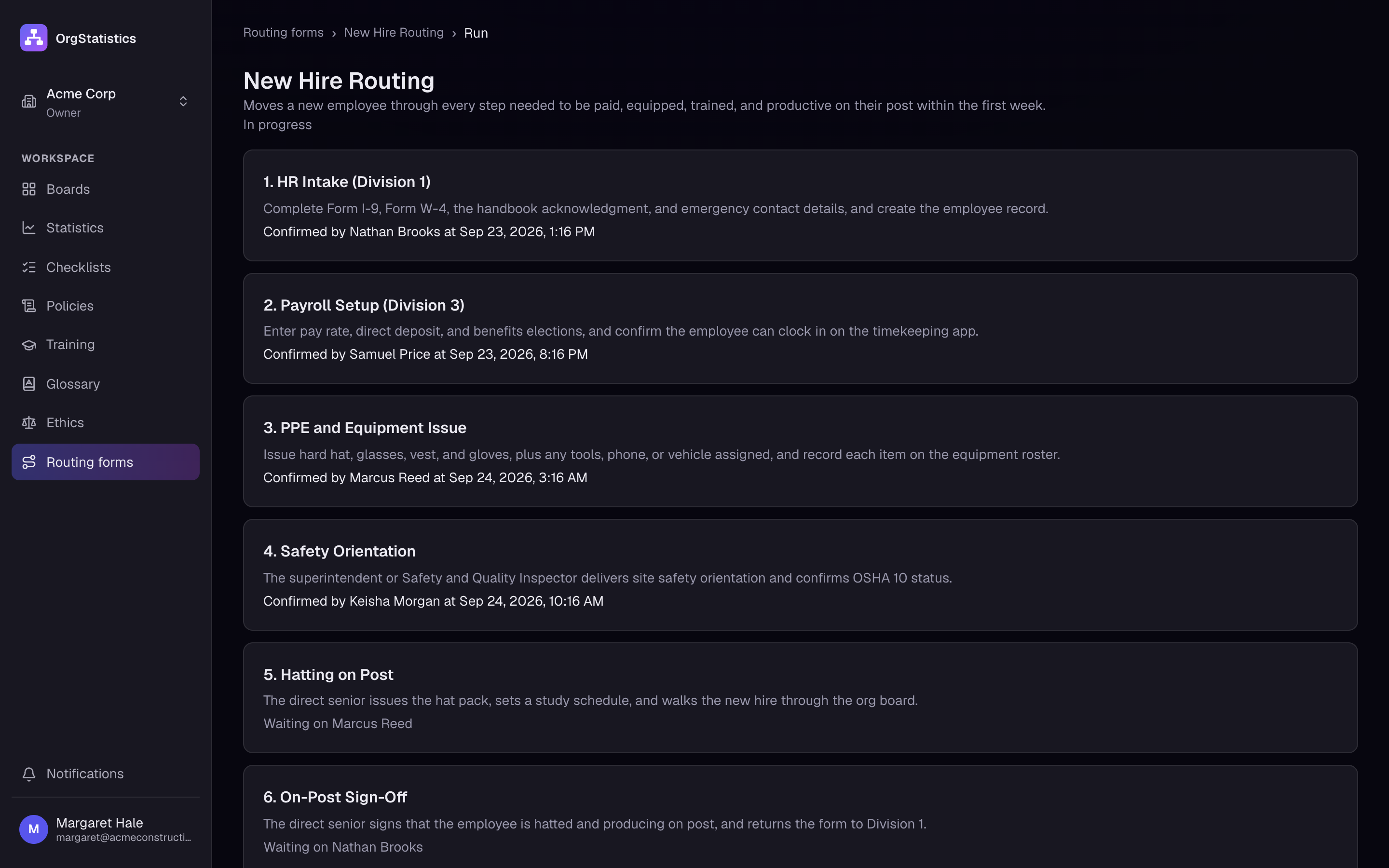
Route a form through its steps: one person for every step, or a different person for each. Each step is signed in order, and the finished form is a locked record you can print.
Every feature is on every plan. See pricing
Try it here.
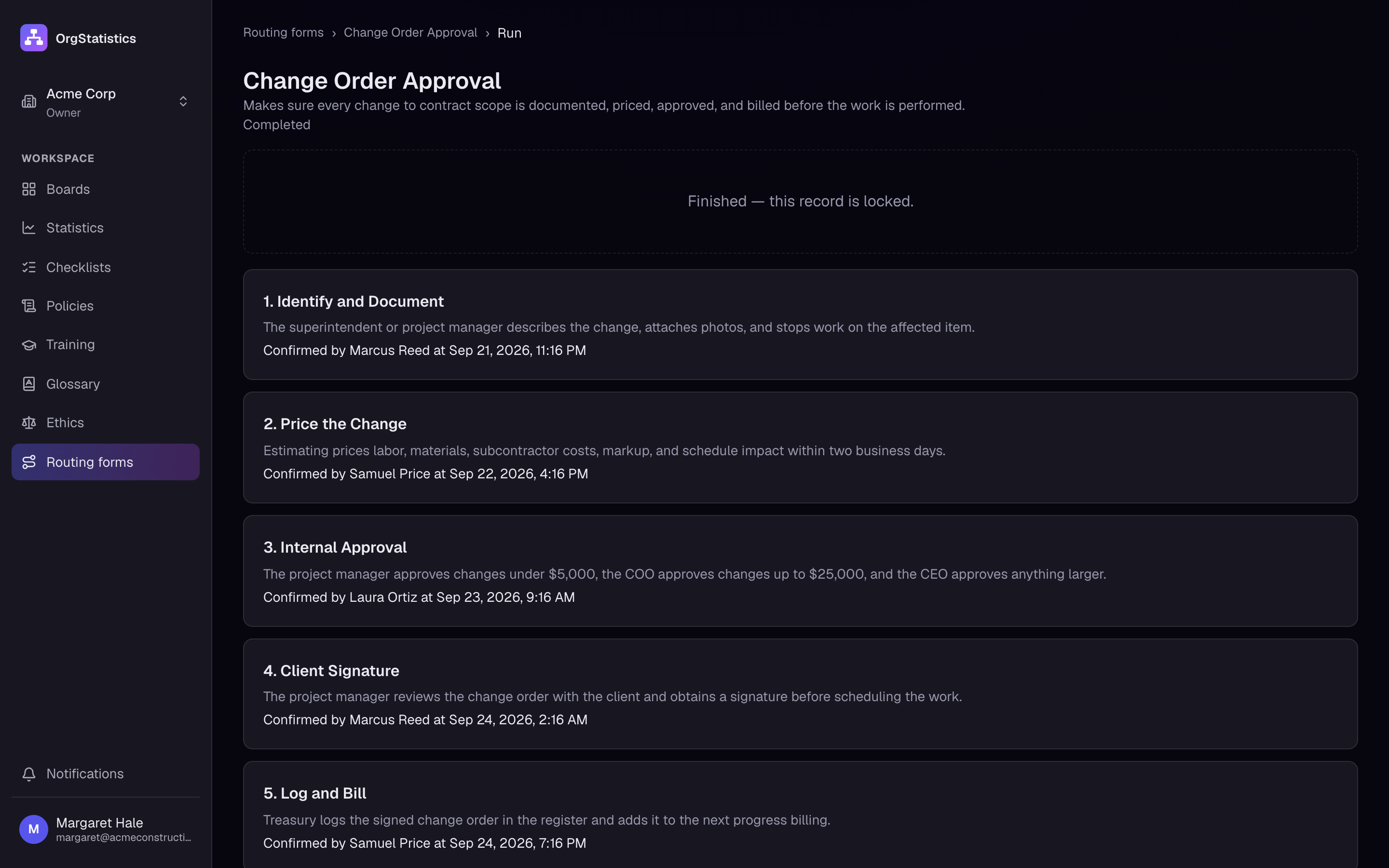
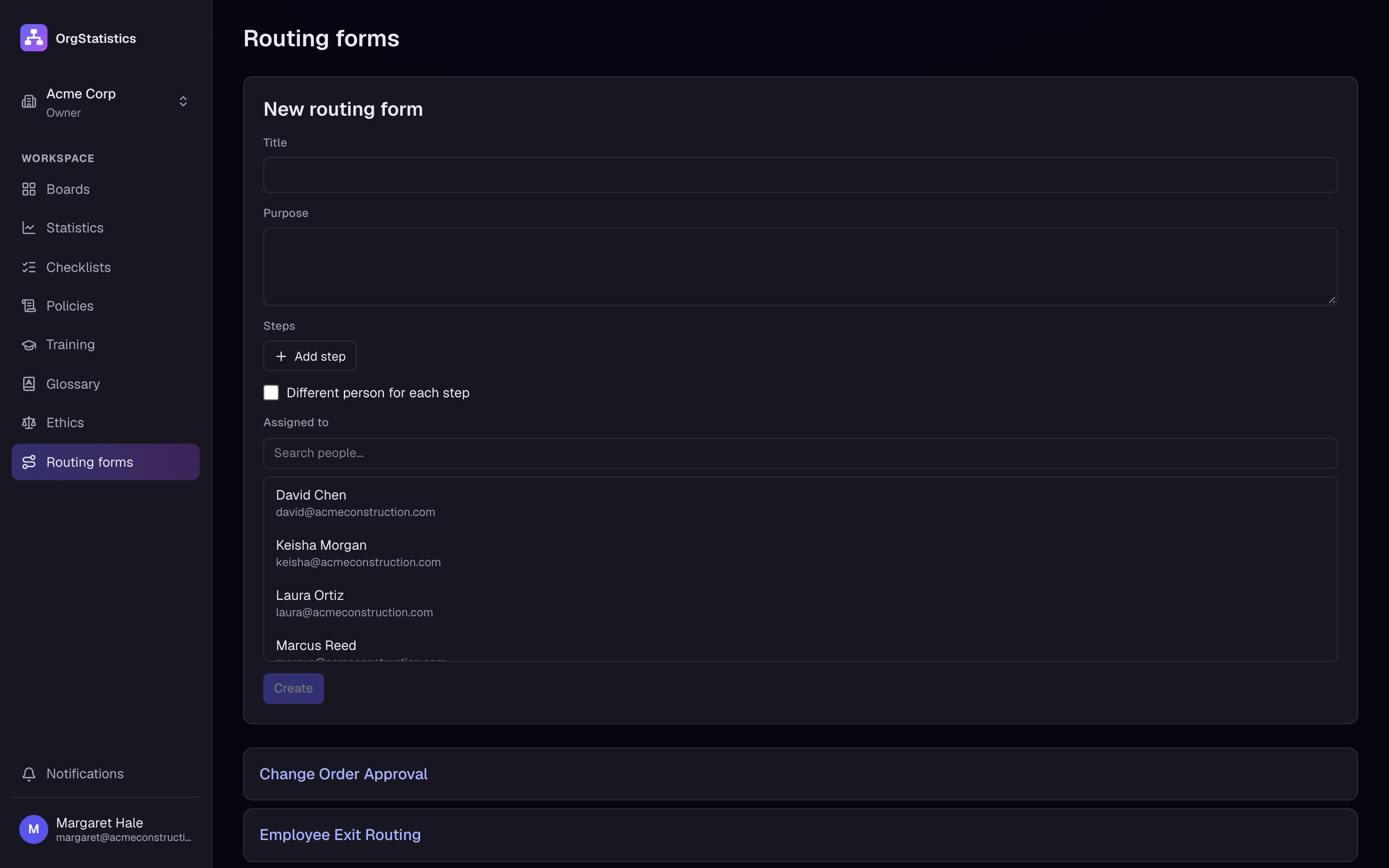
A working copy of the Routing Forms screen, filled with the Acme Construction demo company. It plays by itself and repeats while it is on screen.
Routing form
Change Order Approval
- 1Superintendent logs the changeSigned James Whitfield · Mon 8:12 AMWaiting for step 0
- 2Estimator prices the changeSigned Rachel Kim · Mon 2:40 PMWaiting for step 1
- 3Project manager reviews schedule impactSigned Marcus Reed · Tue 9:05 AMWaiting for step 2
- 4Client signs the change orderSigned Client · Harbor View · Tue 4:31 PMWaiting for step 3
- 5Treasury updates the contract valueSigned Samuel Price · Wed 10:18 AMWaiting for step 4
Record locked · ready to print
What you can do
- Build the steps
- Give each step a title and clear instructions, like "Estimator prices the change" or "Client signs".
- One person or many
- Send the whole form to one person, or pick a person for each step.
- Signed in order
- A step can only be signed when the step before it is done. Nobody signs twice.
- Locked and printable
- When the last step is signed, the record is locked and ready to print.
Pricing
From $25 a month for up to 8 users.
Every feature on every plan. Try it free for 14 days, no card needed.