How to find people in the directory
about 4 minutes
Use the directory to find a person and check their posts. A manager can search for a name or a post without looking through each box on the board.
Step 1 — Open the directory
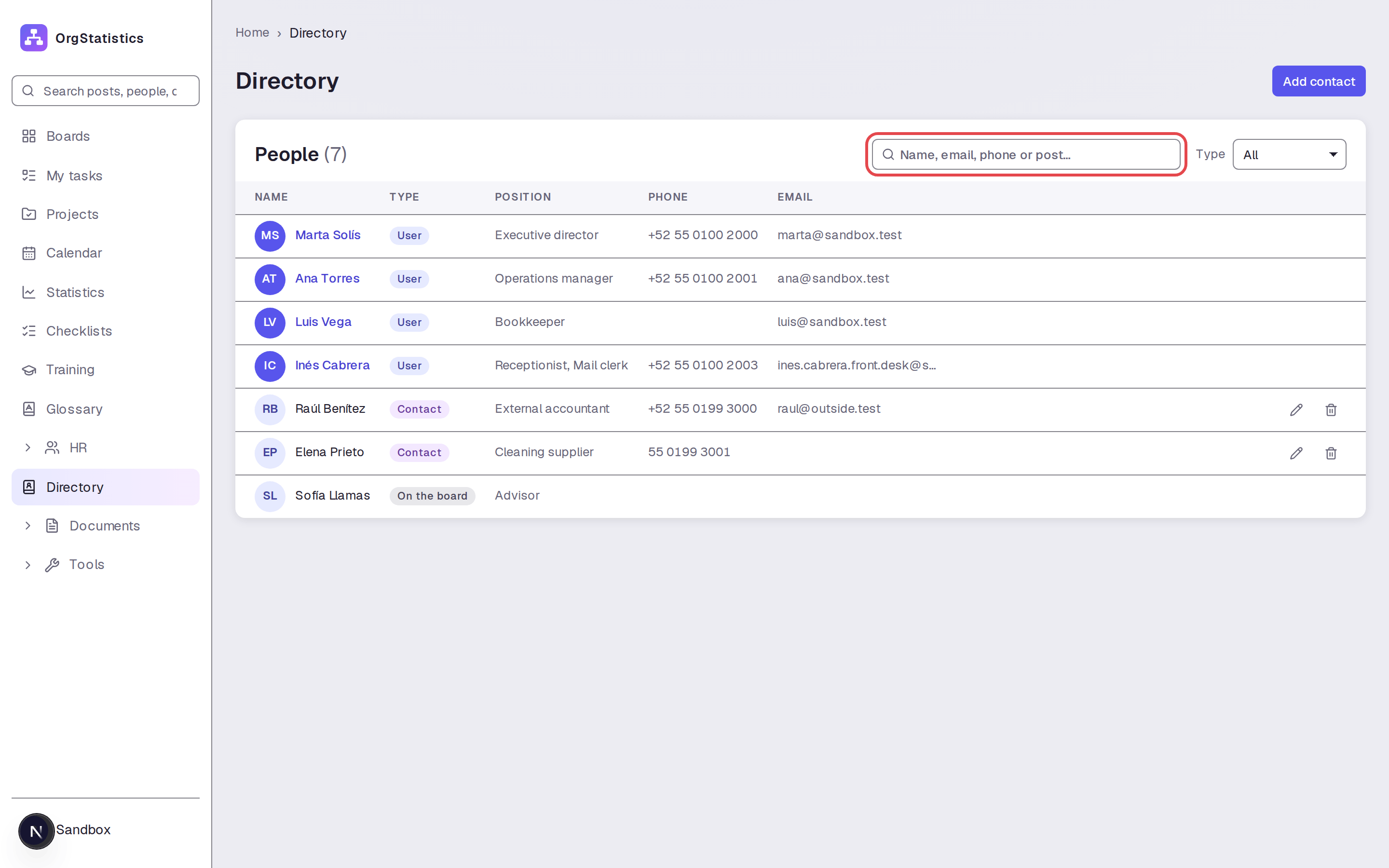
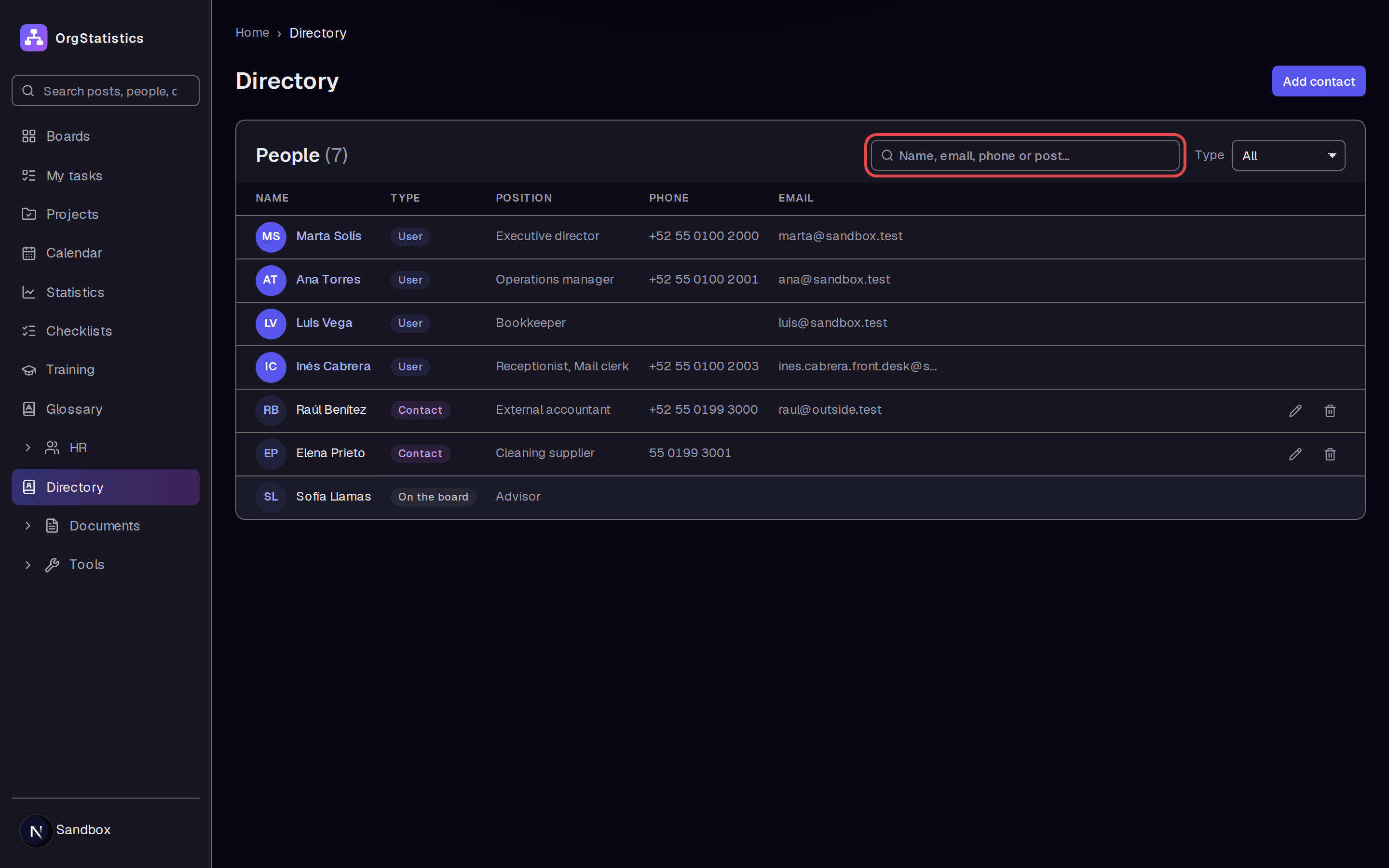
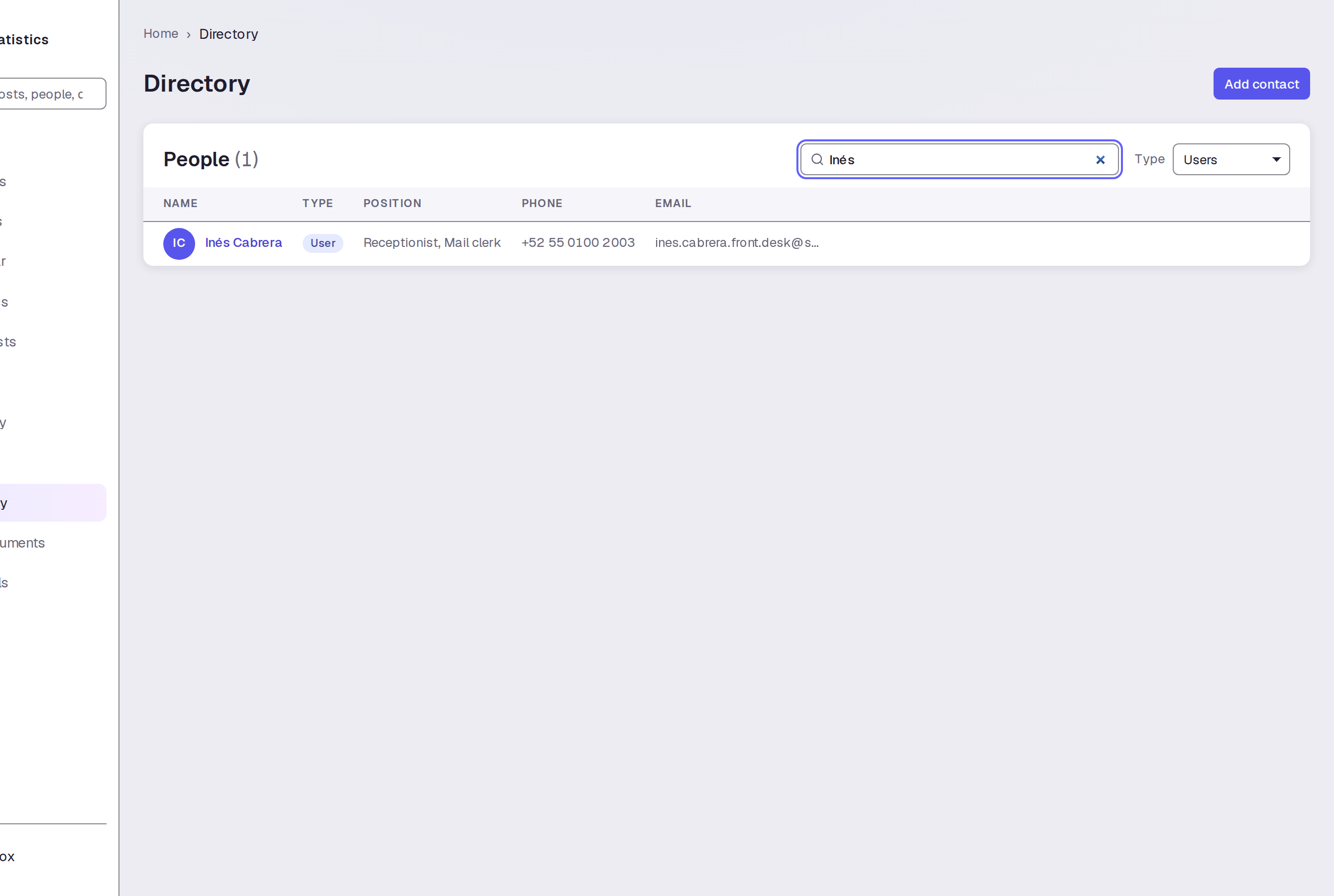
Click Directory in the sidebar. Use the Search field above the people table.
Step 2 — Filter the list to users
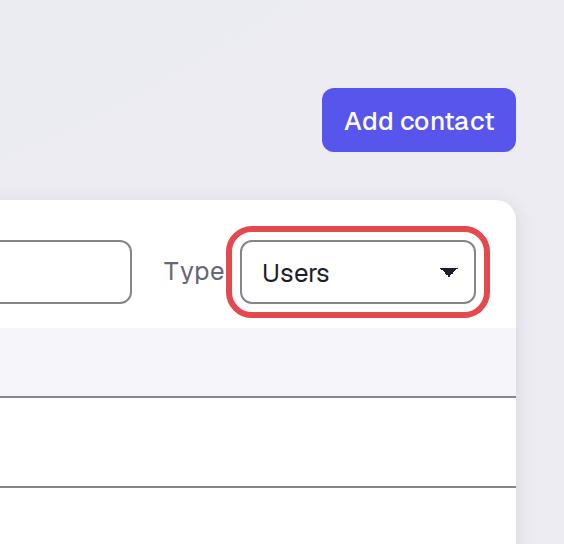
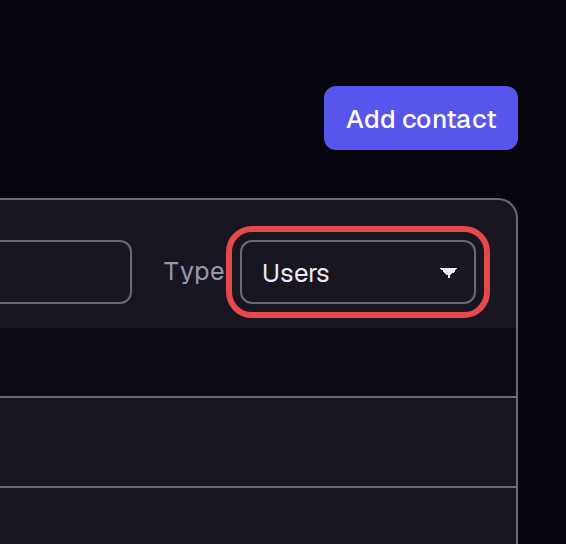
Open Type. Select Users to show user entries.
Step 3 — Search for a name
Enter part of a name in Search.

Step 4 — Search for a post
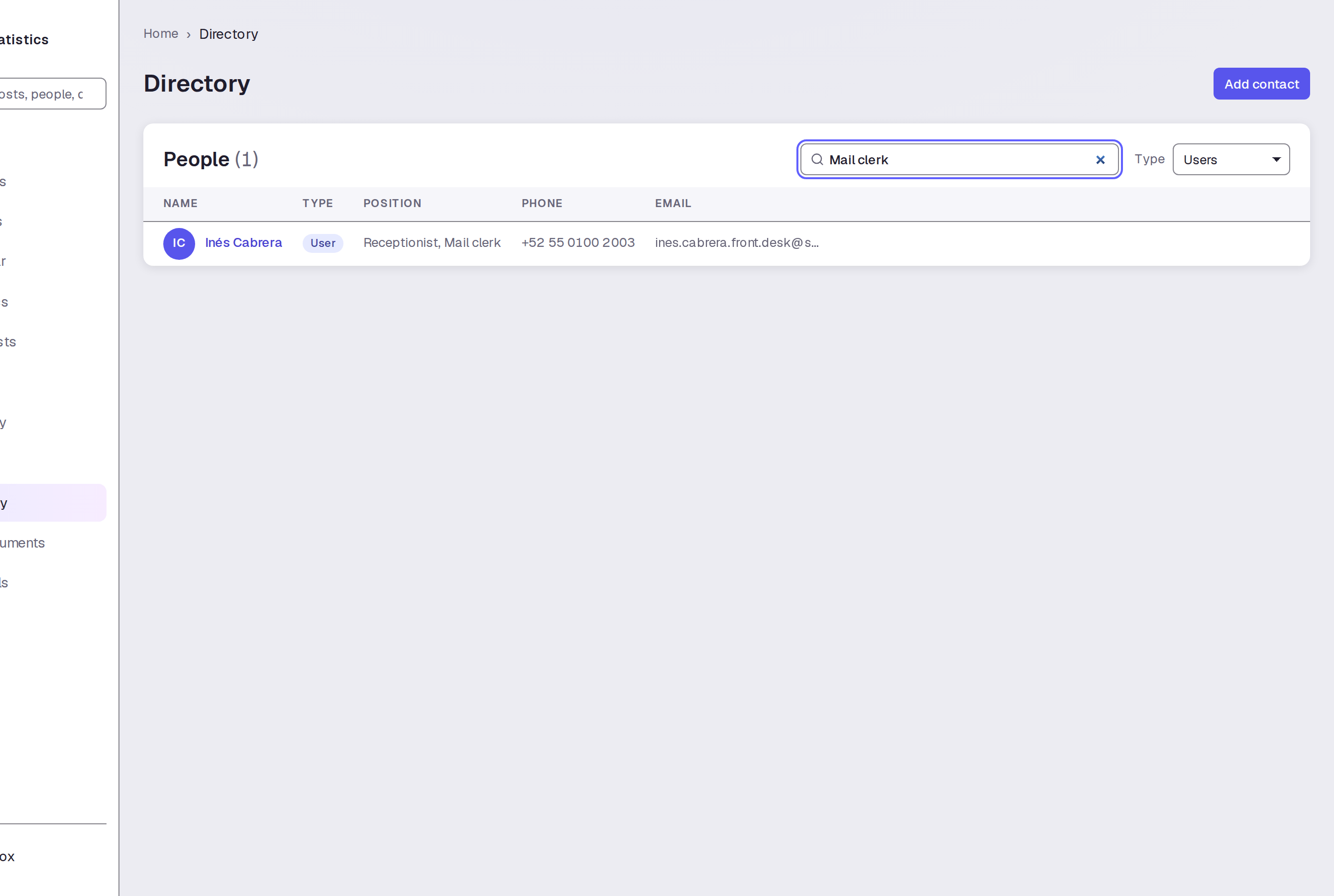
Replace the name in Search with a post name. We entered “Mail clerk.” The result shows Inés Cabrera with “Receptionist, Mail clerk” in POSITION.

Step 5 — Open the person page
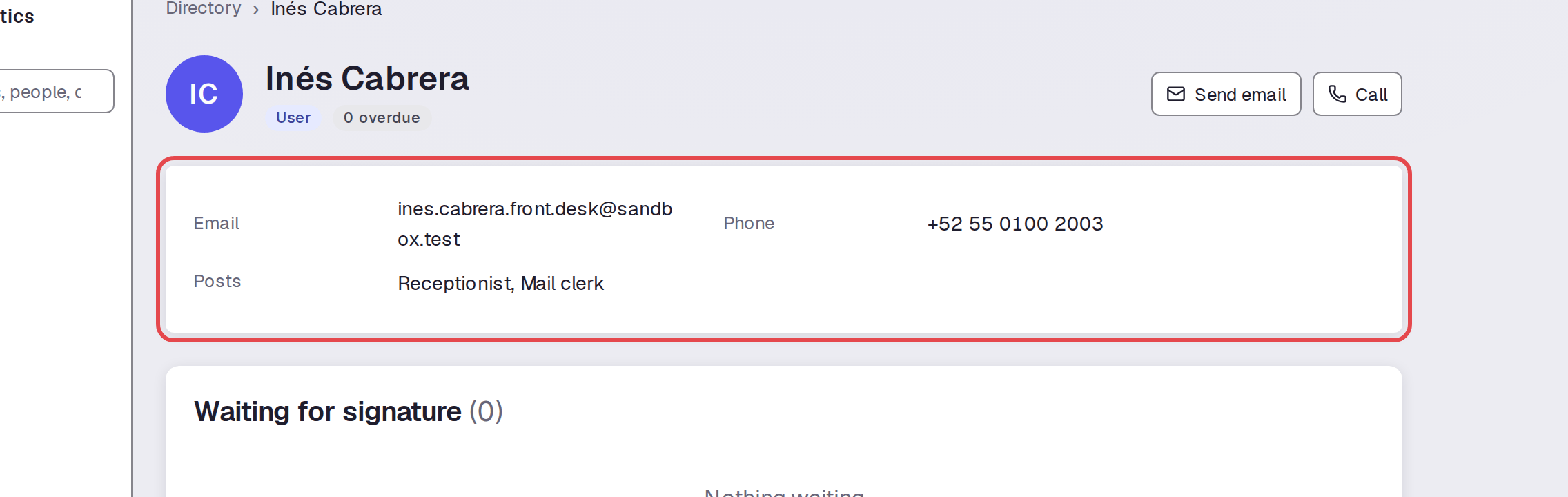
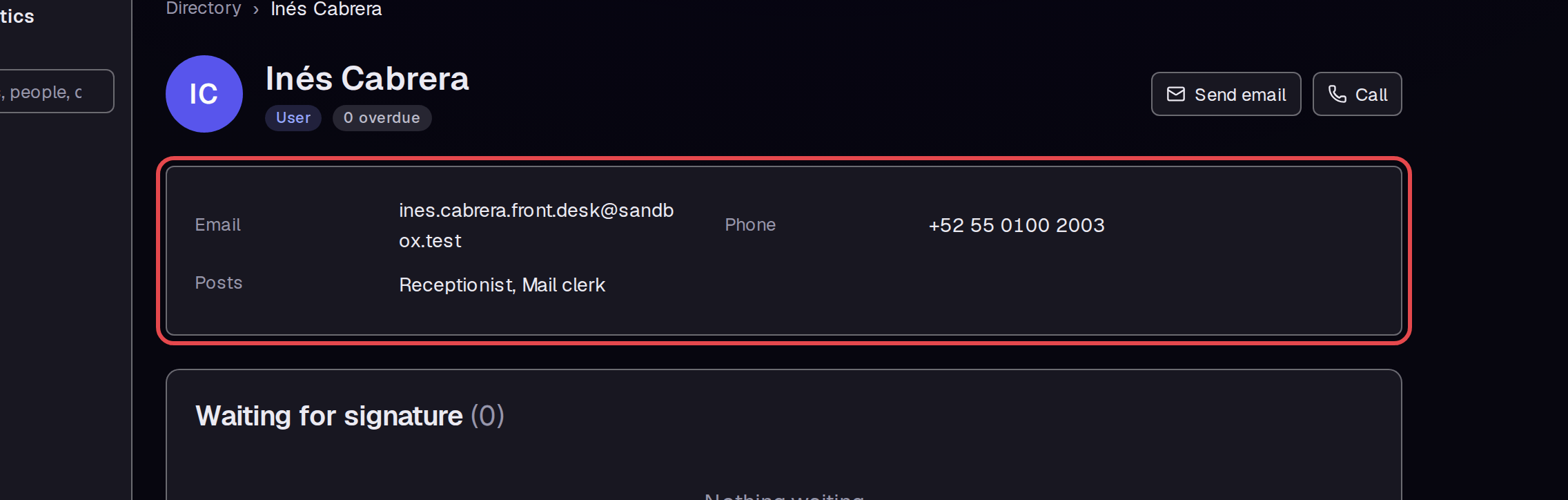
Click the person's name. Read Posts on the person page to see the posts they hold. Inés Cabrera holds Receptionist and Mail clerk.
Step 6 — Show contacts
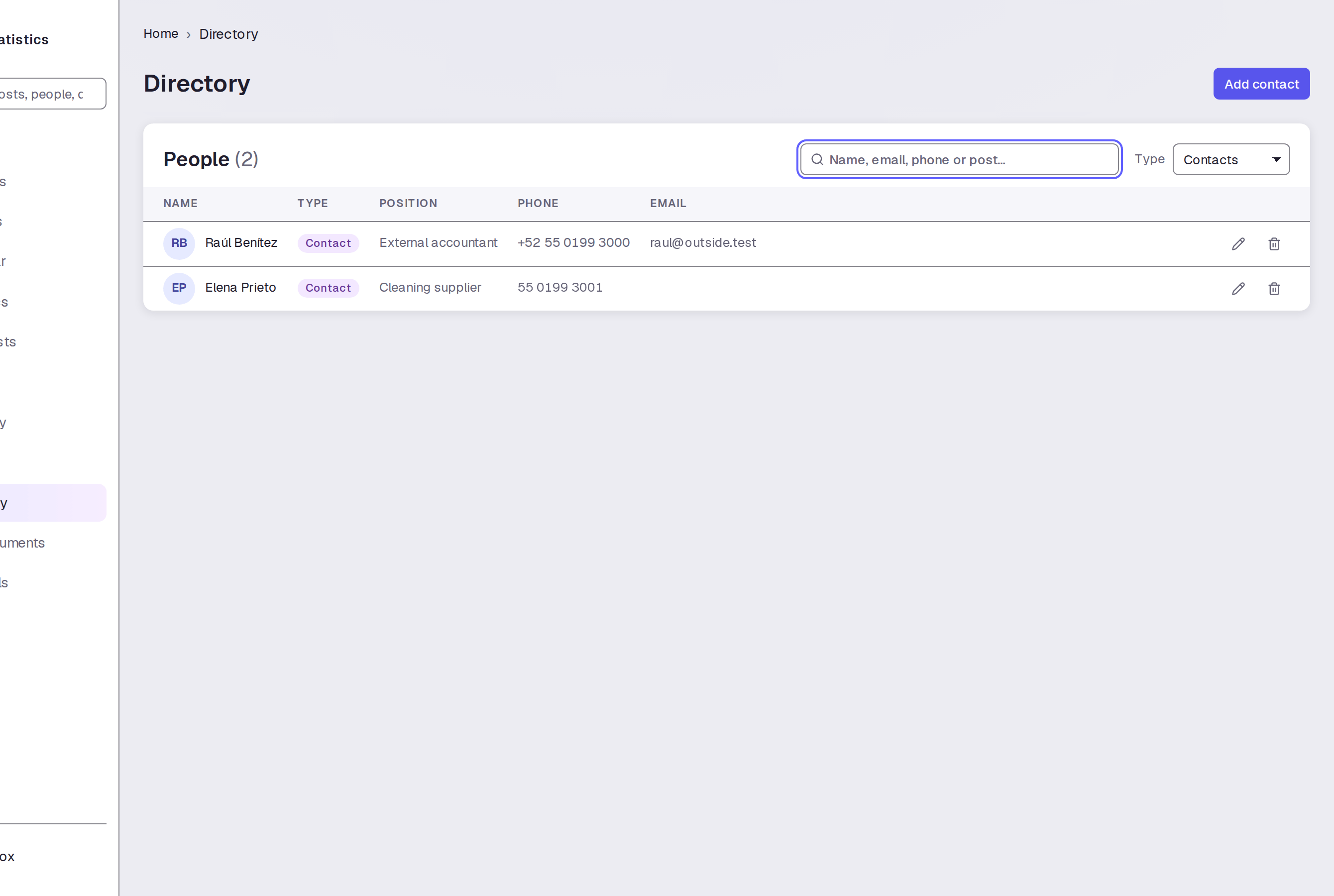
Click Directory above the person's name. Clear Search if it still contains text. Set Type to Contacts to show contact entries.

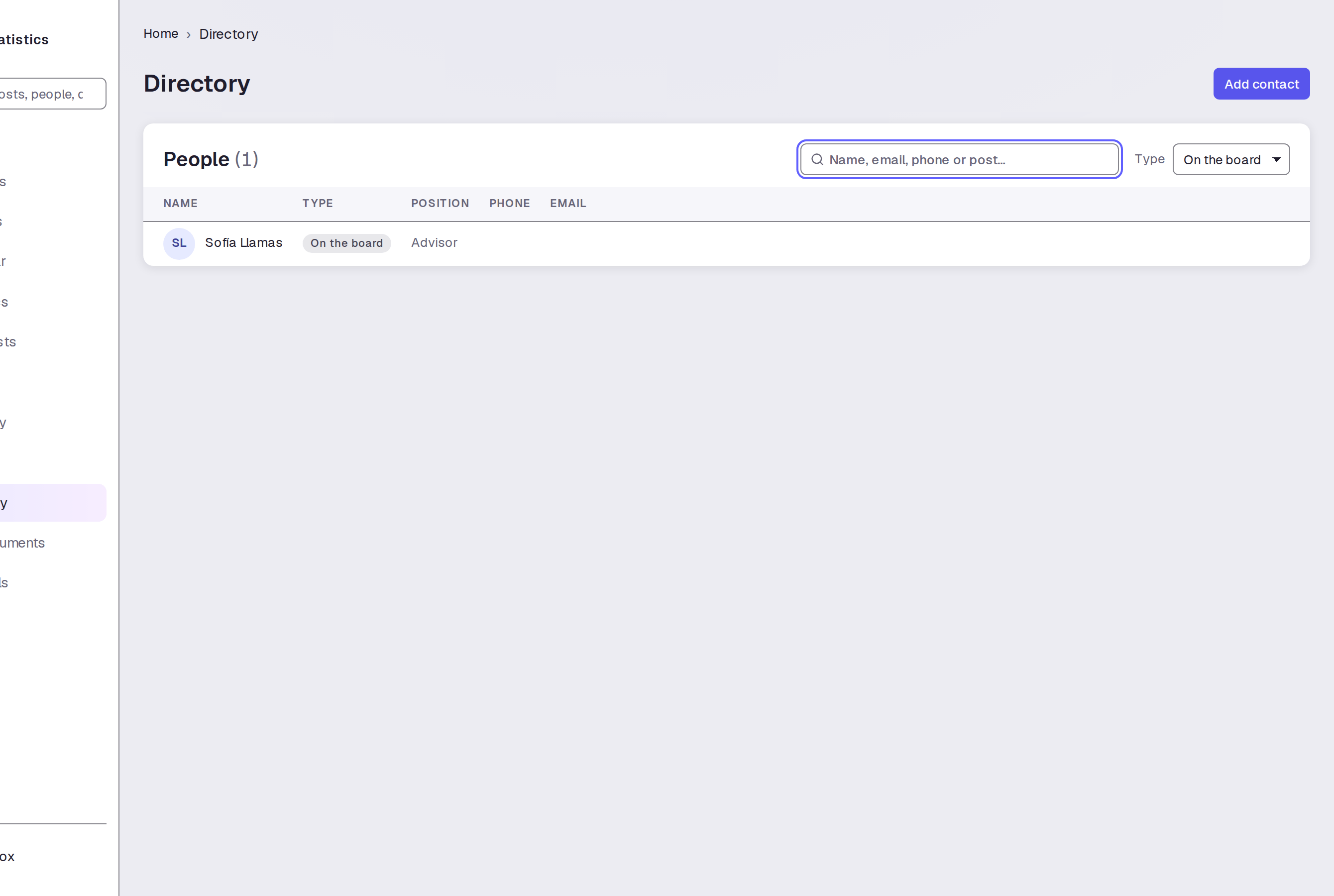
Step 7 — Show people listed on the board
Set Type to On the board.

Tips
- Search and Type work together. A type filter can limit your search results.
- Set Type to All and clear Search to return to the full list.
- User names open person pages.