Org board · Statistics · SOPs · Training
Your whole company, on one org board.
OrgStatistics puts every division, post and statistic on one living org board, with the SOPs, training and sign-offs that make the work run.
7-day full refund. See pricing
See the company the way it really runs.
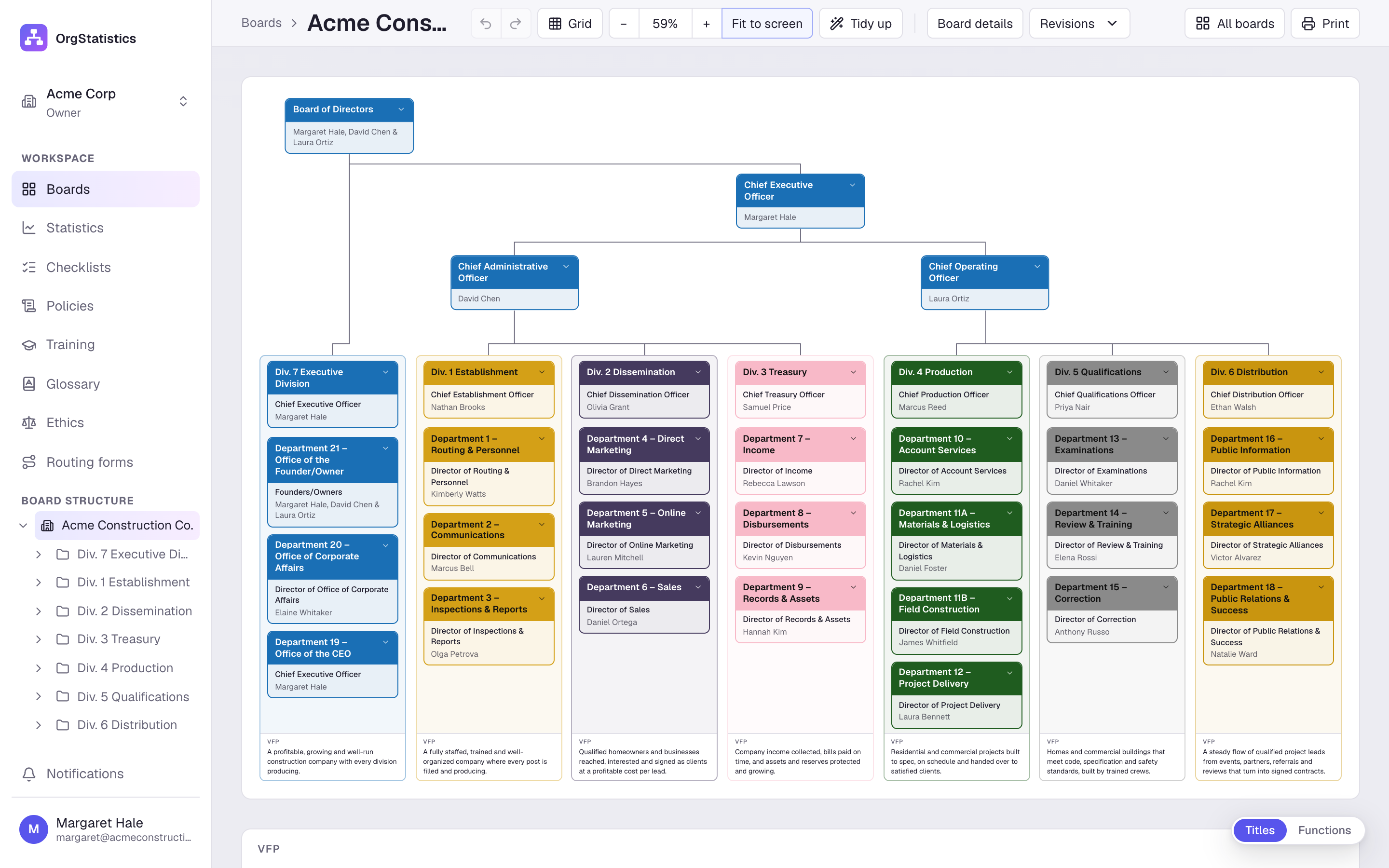
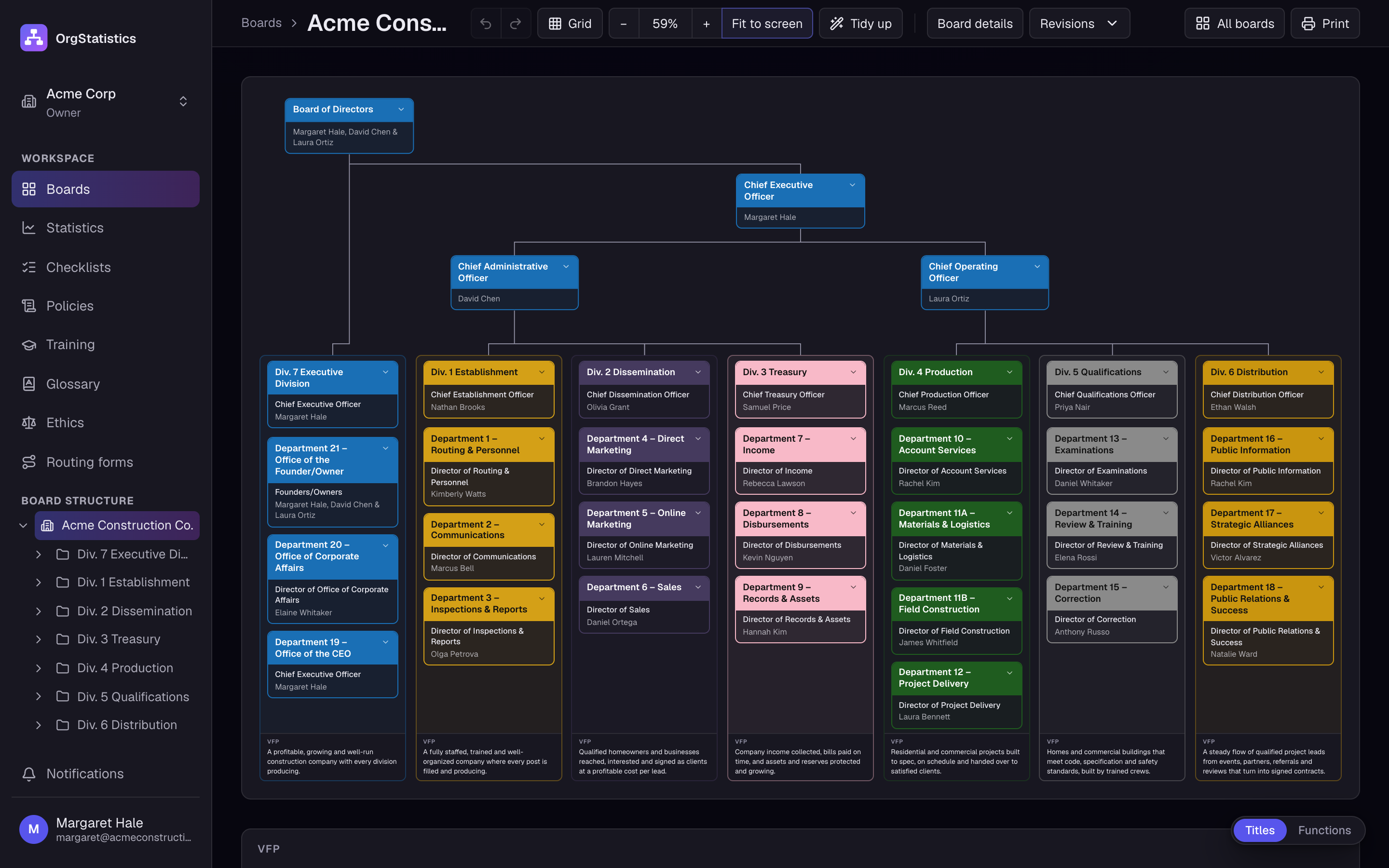
Officers at the top, seven divisions below, and every department and post in its place. At the foot of each division is its VFP, its valuable final product: what the division exists to produce. This is the board of Acme Construction, a demo company, building itself.
From the chart on the wall to the work on site.
- 01
Draw the company
Seven divisions, their departments, sections and posts. Drag cards into place, tidy them up, colour each division.
- 02
Open any division
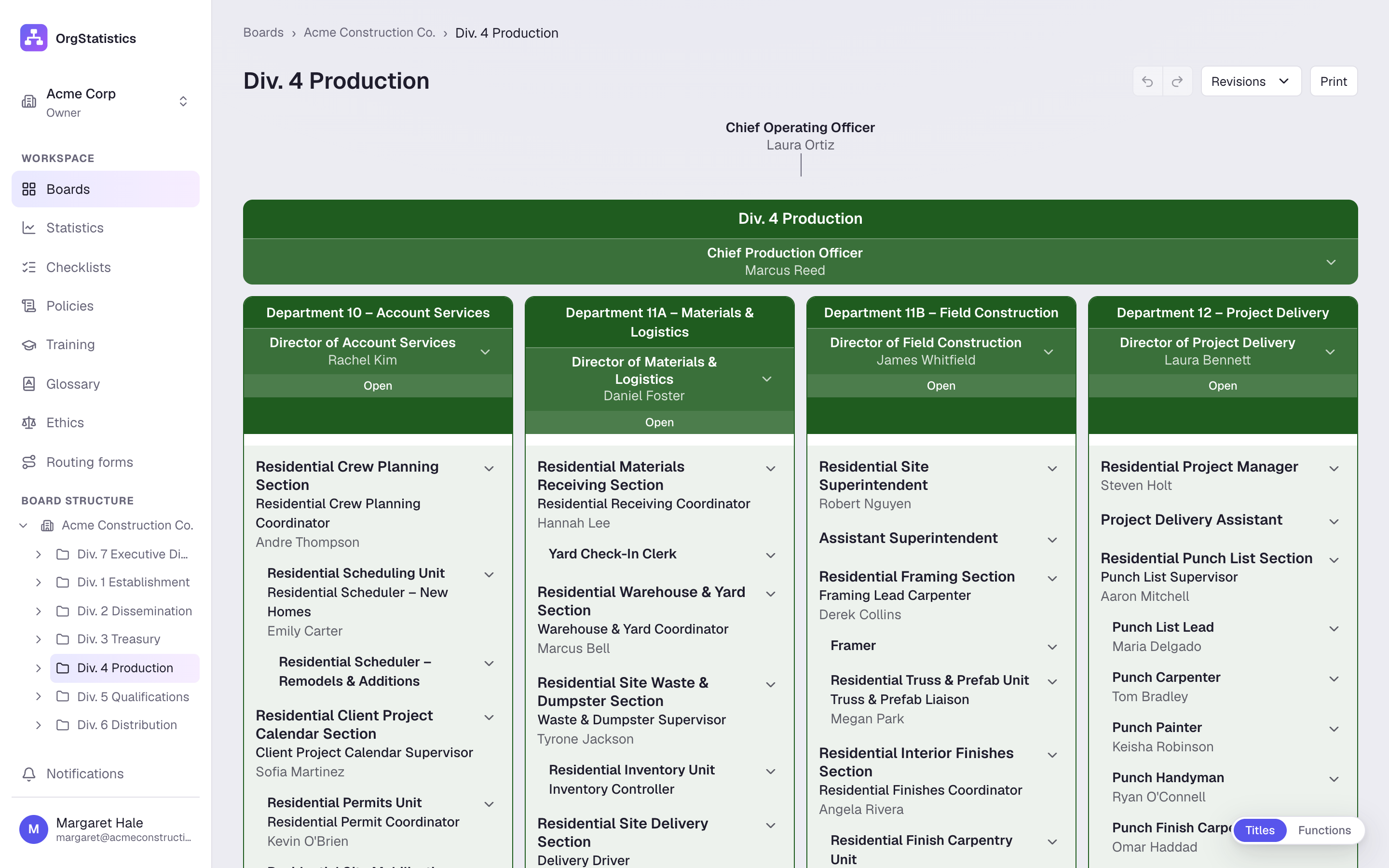
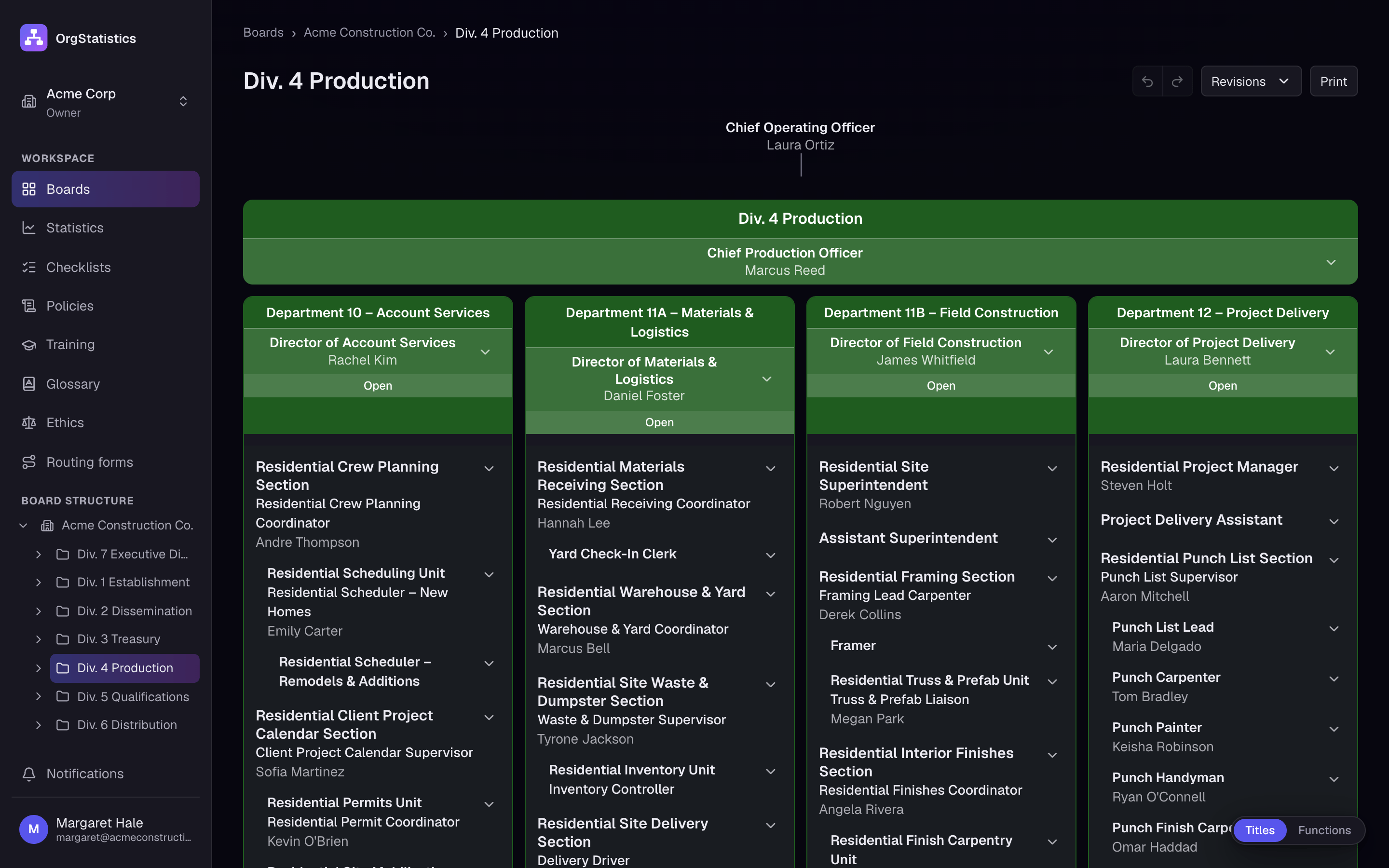
Each division shows its departments, the posts inside them and the product each one delivers.
- 03
Give every post a hat
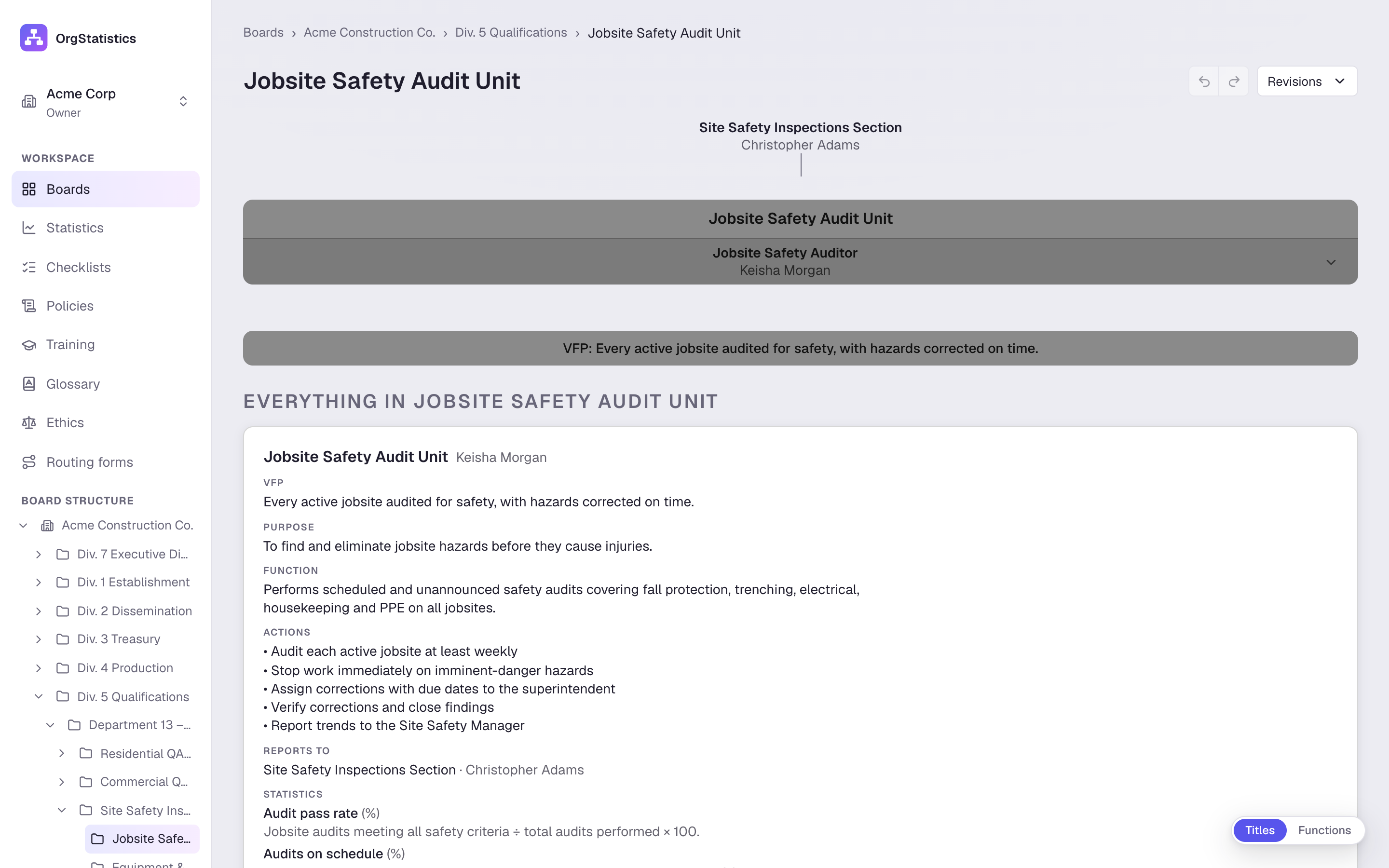
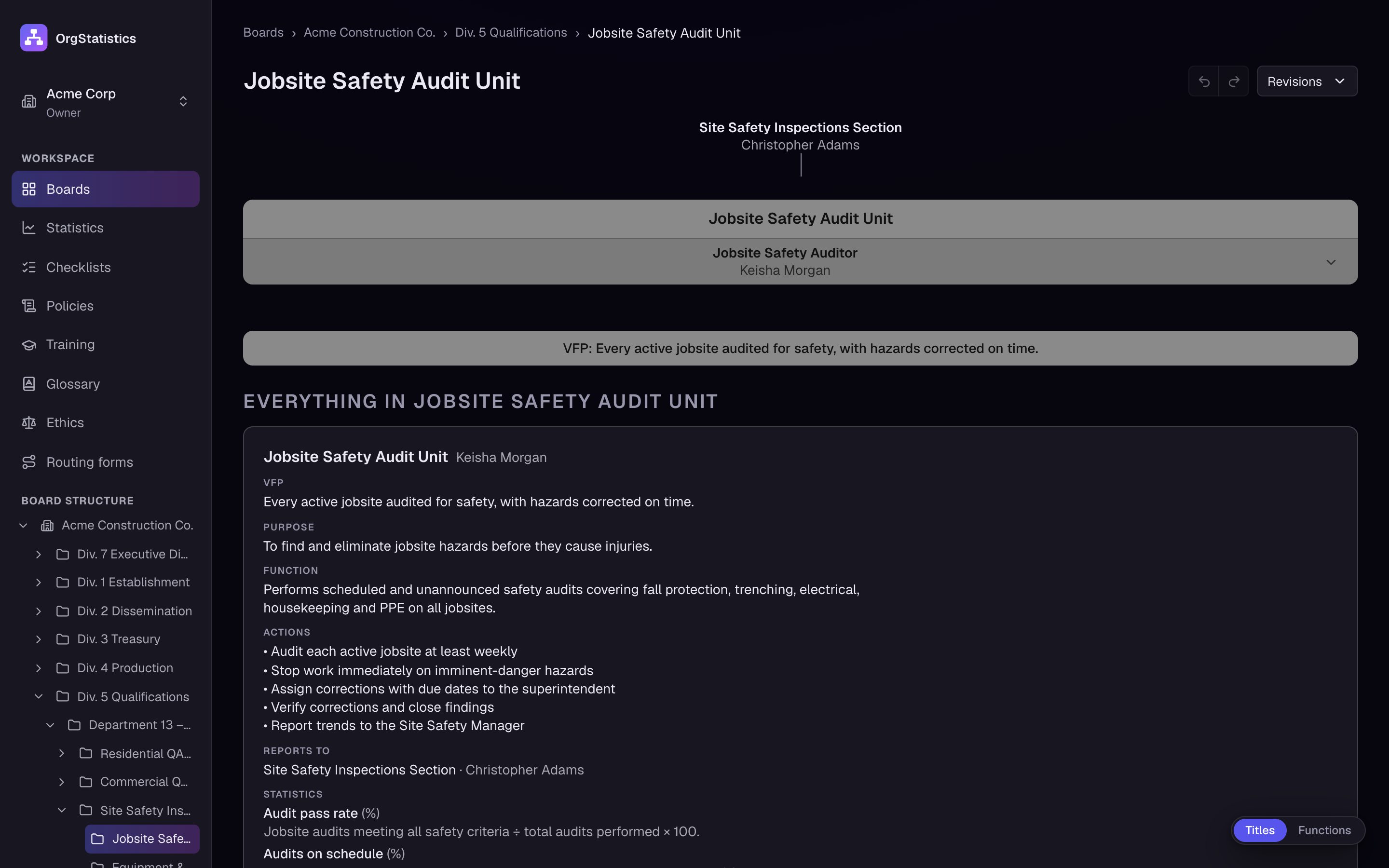
A hat is everything a post needs: its product, purpose, function and actions, the person who holds it and the statistics that measure it.
- 04
Graph what matters
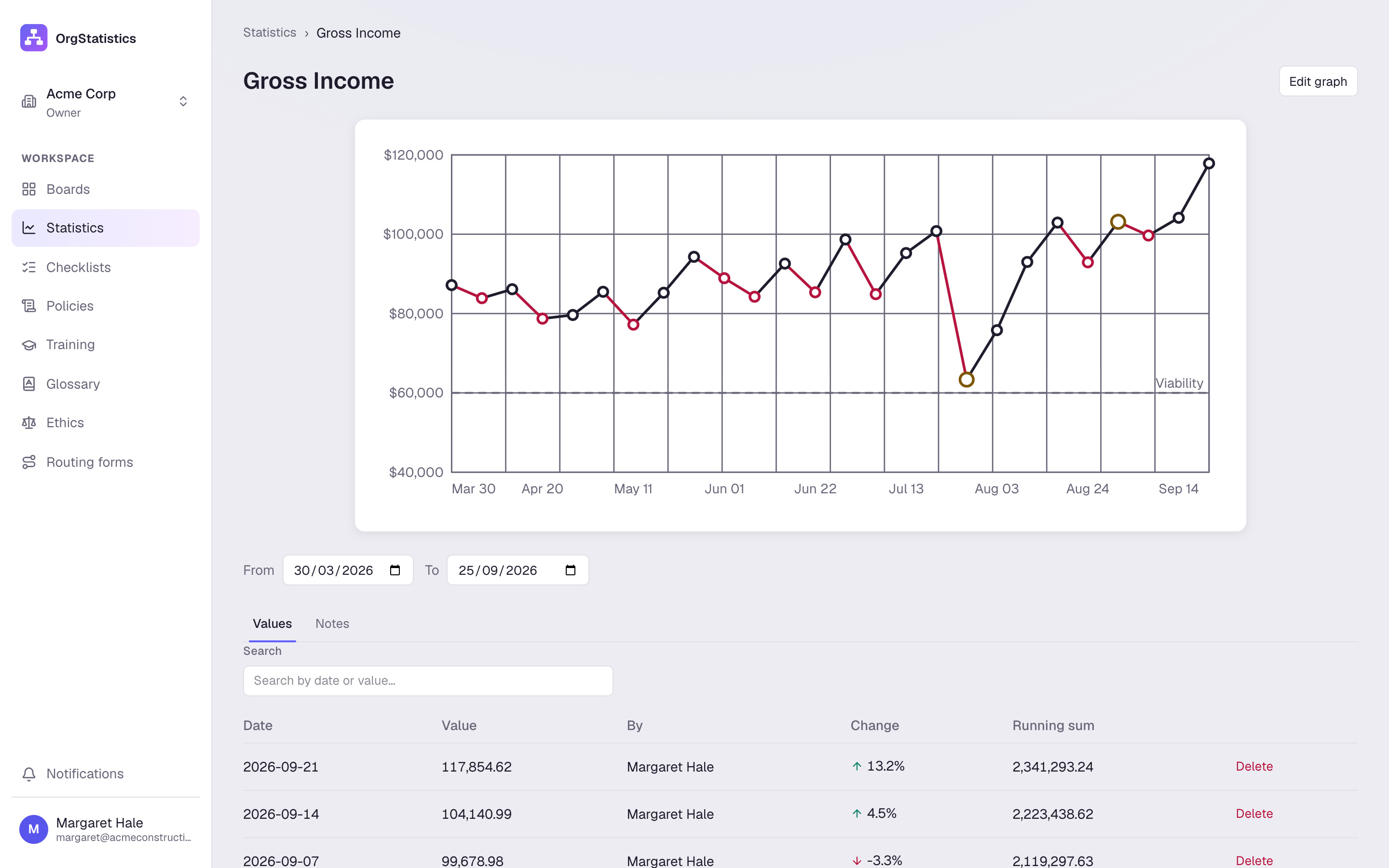
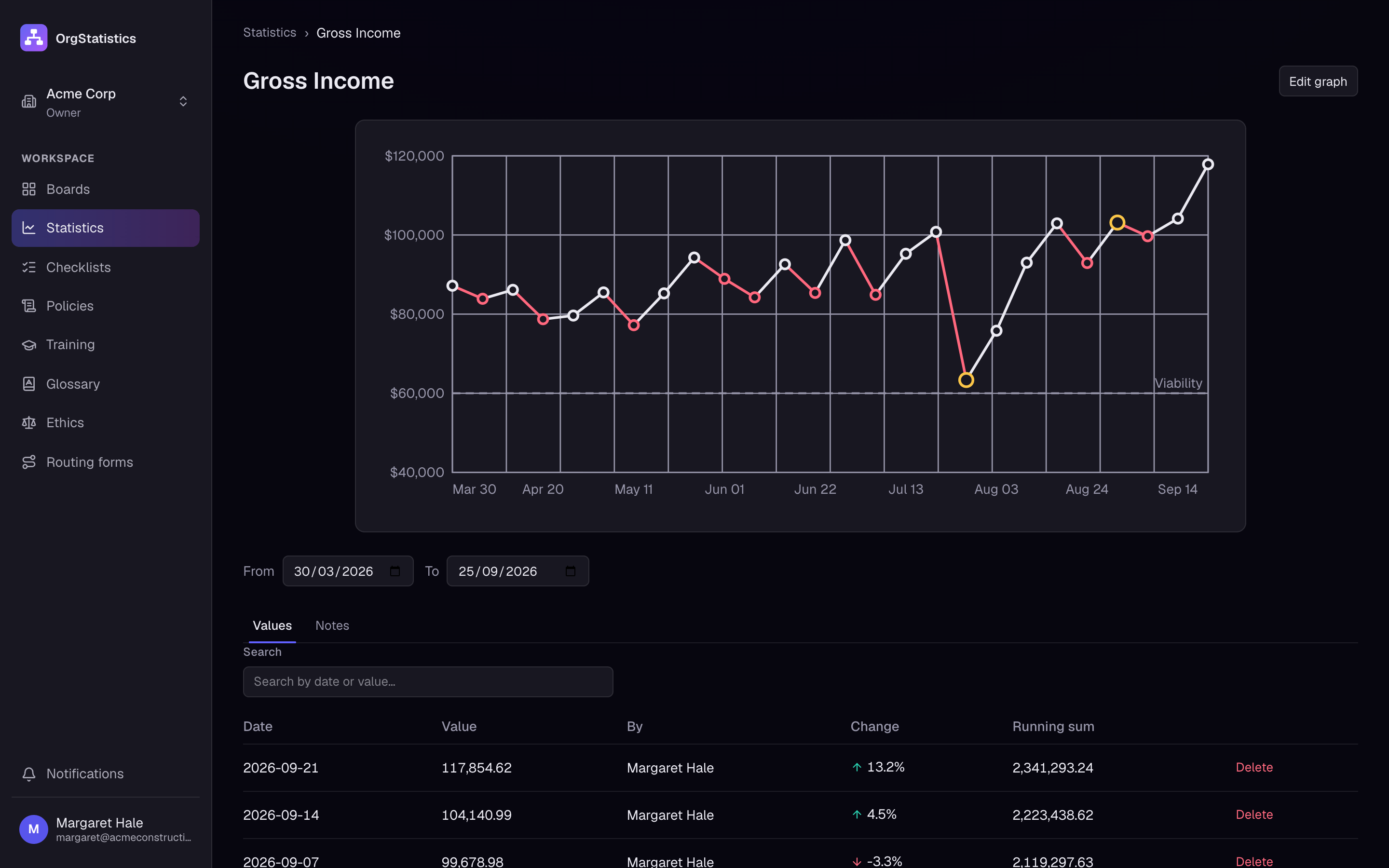
Every statistic becomes a graph, with targets, a viability line (the level it must stay above) and notes that explain the dips.
- 05
Write down how it is done
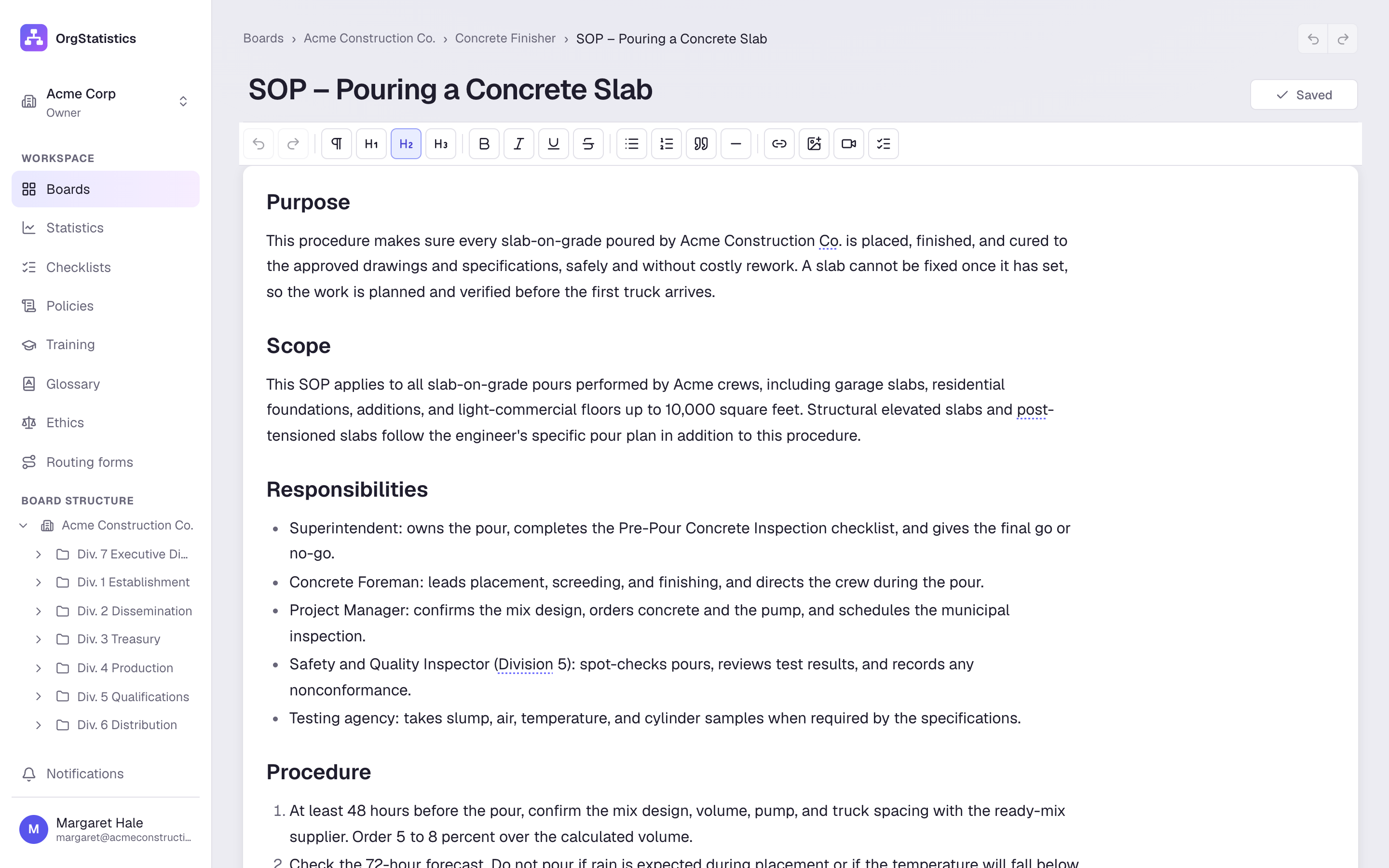
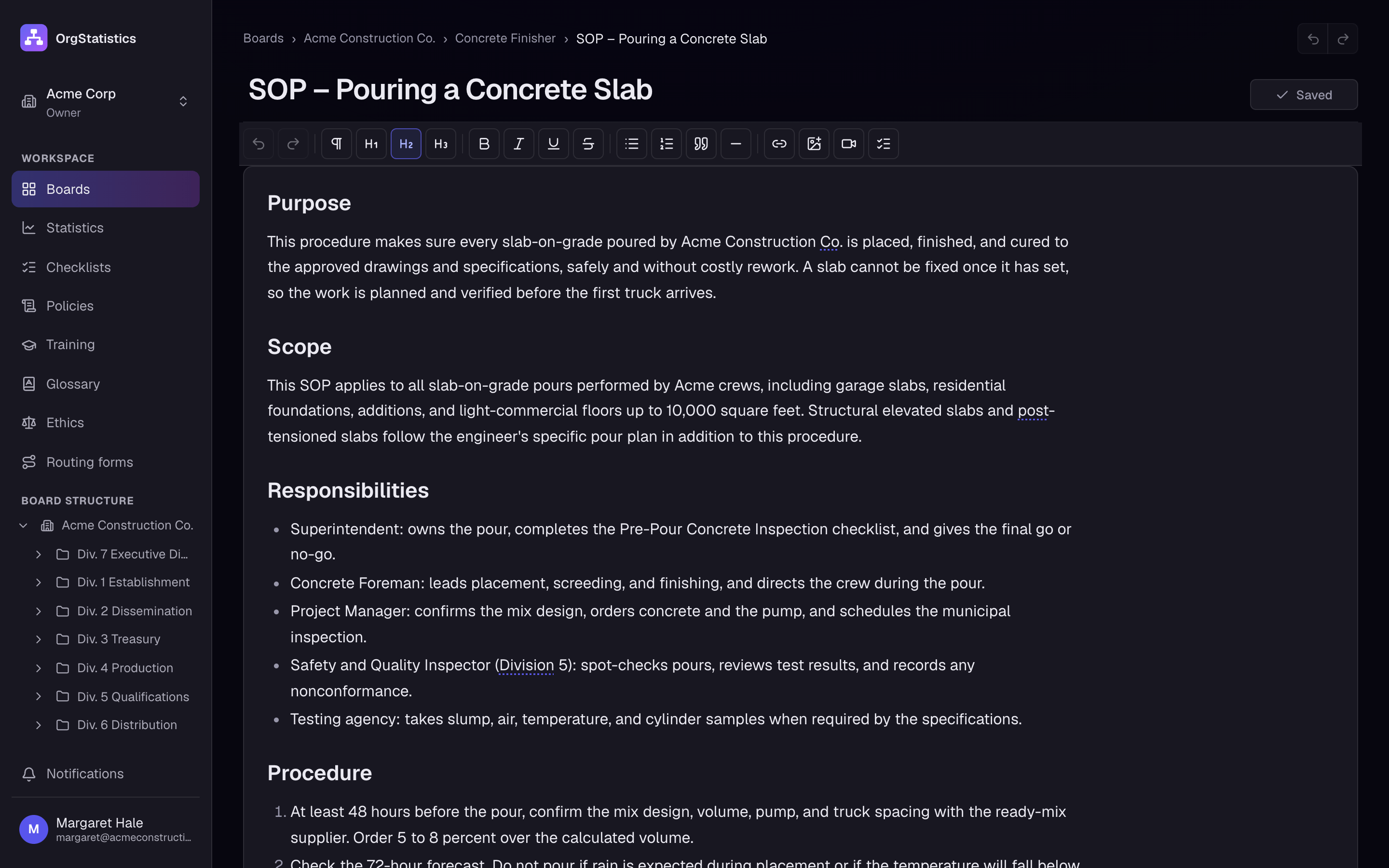
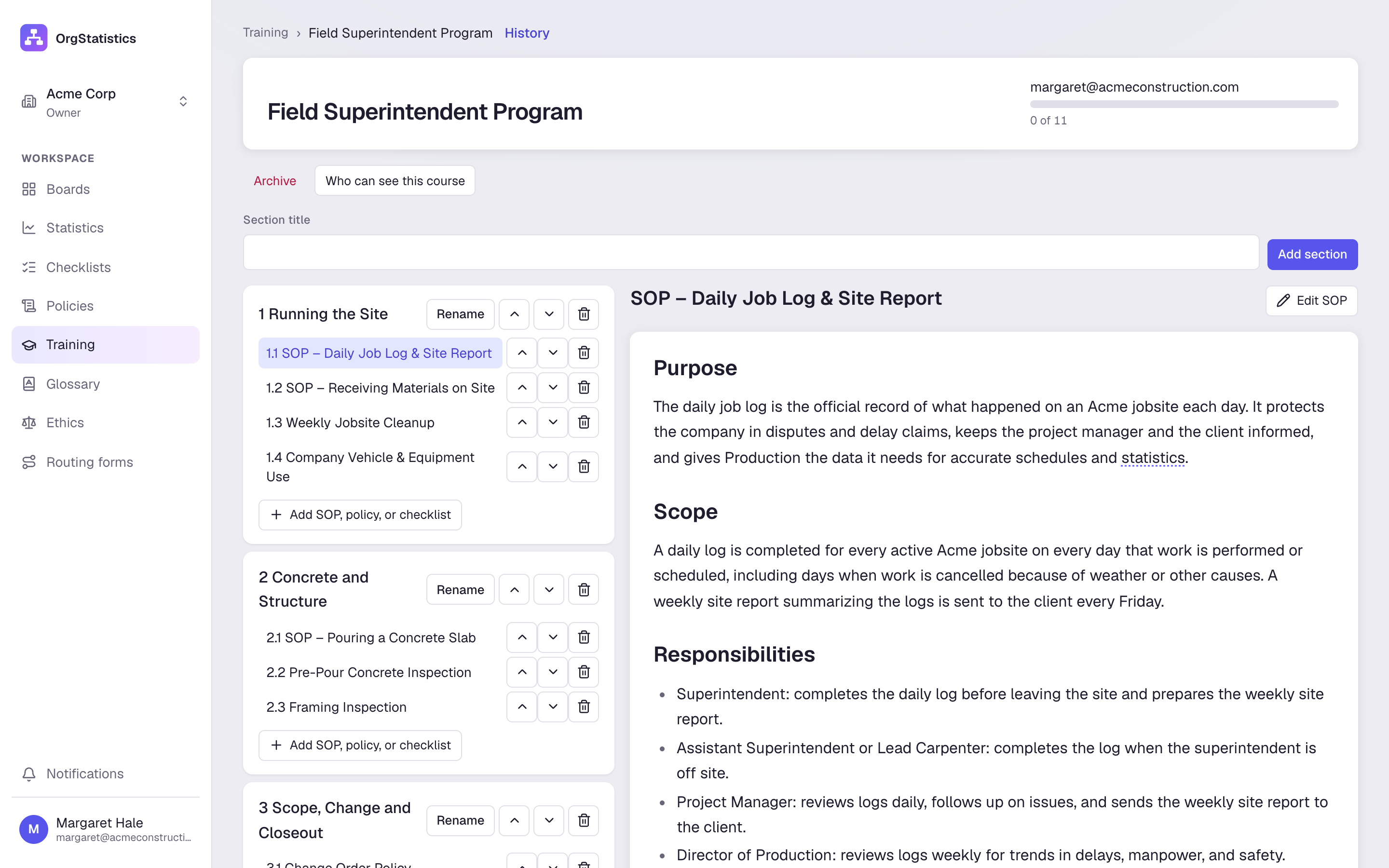
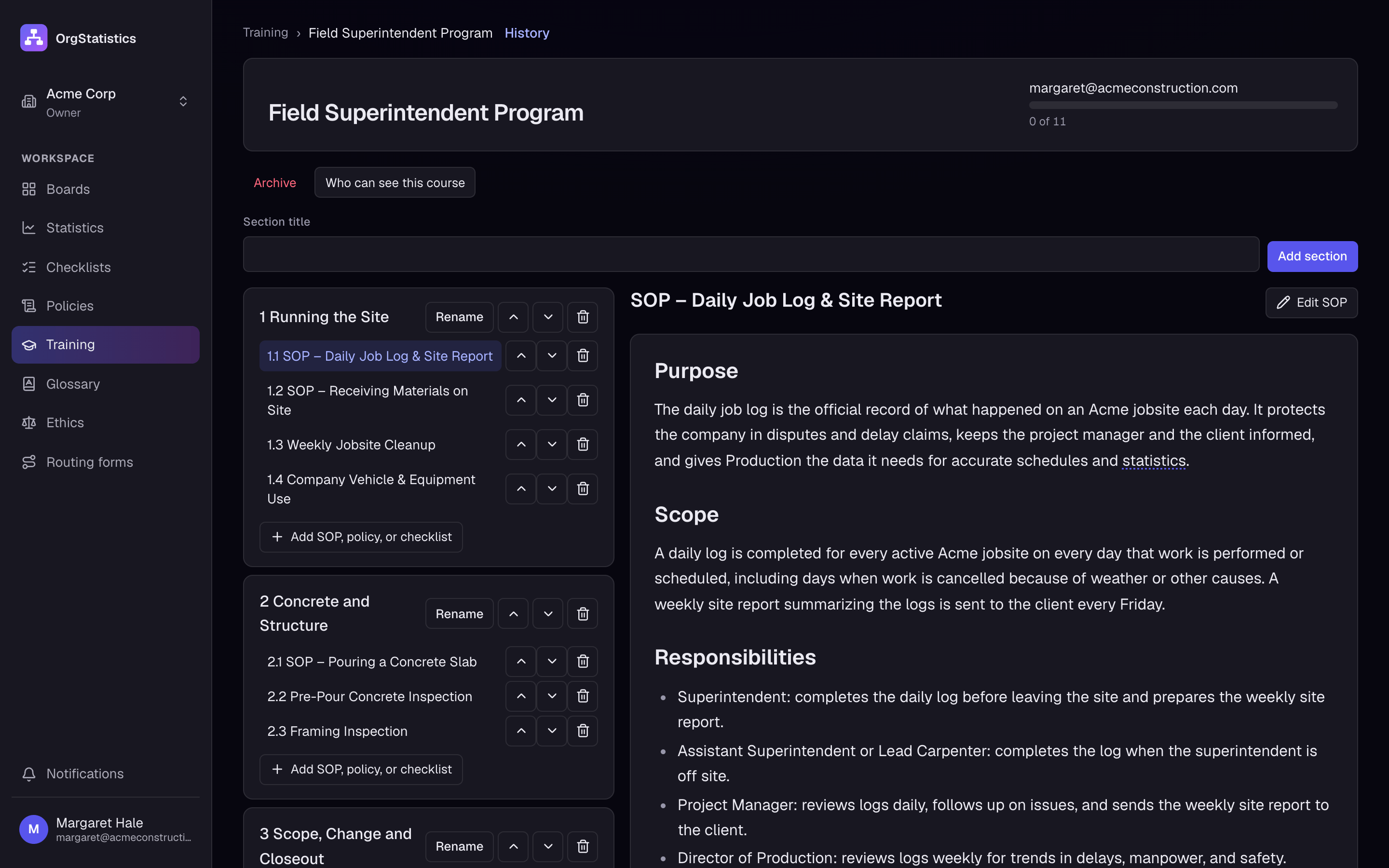
SOPs, policies and checklists live on the posts that use them, and training is built from them.
Draw the company. Seven divisions, their departments, sections and posts. Drag cards into place, tidy them up, colour each division.
Open any division. Each division shows its departments, the posts inside them and the product each one delivers.
Give every post a hat. A hat is everything a post needs: its product, purpose, function and actions, the person who holds it and the statistics that measure it.
Graph what matters. Every statistic becomes a graph, with targets, a viability line (the level it must stay above) and notes that explain the dips.
Write down how it is done. SOPs, policies and checklists live on the posts that use them, and training is built from them.
Know which areas are up, and which need help.
Each post reports its statistic every week. Graphs show the trend, the target and the level the area must not fall below.
- Daily, weekly, monthly, quarterly or yearly
- Several lines, linked graphs and equation graphs
- Notes on the line that explain a dip
- Members add values to their own graphs
Gross Income
Samuel Price · Div. 3 Treasury · weekly
New Leads by Source
Olivia Grant · Div. 2 Dissemination · weekly
- Website
- Referrals
- Home shows
Recordable Safety Incidents
Priya Nair · Div. 5 Qualifications · weekly
Write it down once. Train everyone on it.
SOPs, policies and checklists live on the posts that use them. Courses are built from the same documents, and the glossary links your words everywhere.
Checklist
Daily Jobsite Safety Walk
0/7
- Site perimeter fenced and signs posted
- Walkways and stairs clear of debris
- Every worker in hard hat, vest and boots
- Ladders set at the right angle and tied off
- Fall protection in place at open edges
- Fire extinguishers charged and in reach
- First-aid kit stocked; emergency numbers posted
SOP · Concrete
Pre-Pour Walkthrough
Before the pour, the superintendent walks the with the foreman and photographs every open item. Any must be signed by the client before crews start the extra work. The is released only after the last punch item is closed and the owner accepts the job.
Sign-offs and codes of conduct, on the record.
Routing forms move from step to step in the right order. Ethics programs get a dated acknowledgement from every person they cover.
Routing form
Change Order Approval
- 1Superintendent logs the changeSigned James Whitfield · Mon 8:12 AMWaiting for step 0
- 2Estimator prices the changeSigned Rachel Kim · Mon 2:40 PMWaiting for step 1
- 3Project manager reviews schedule impactSigned Marcus Reed · Tue 9:05 AMWaiting for step 2
- 4Client signs the change orderSigned Client · Harbor View · Tue 4:31 PMWaiting for step 3
- 5Treasury updates the contract valueSigned Samuel Price · Wed 10:18 AMWaiting for step 4
Ethics program
Jobsite Code of Conduct
Assigned to 6 people
- Margaret HaleOwnerWaitingAcknowledged · Sep 22
- David ChenProject ManagerWaitingAcknowledged · Sep 23
- Laura OrtizOffice ManagerWaitingAcknowledged · Sep 23
- James WhitfieldSite SuperintendentWaitingAcknowledged · Sep 22
- Rachel KimEstimatorWaitingAcknowledged
- Priya NairSafety OfficerWaitingAcknowledged
Built for more than one company, and more than one language.
- Workspaces
- Run several companies from one login. Each workspace has its own board, people and library.
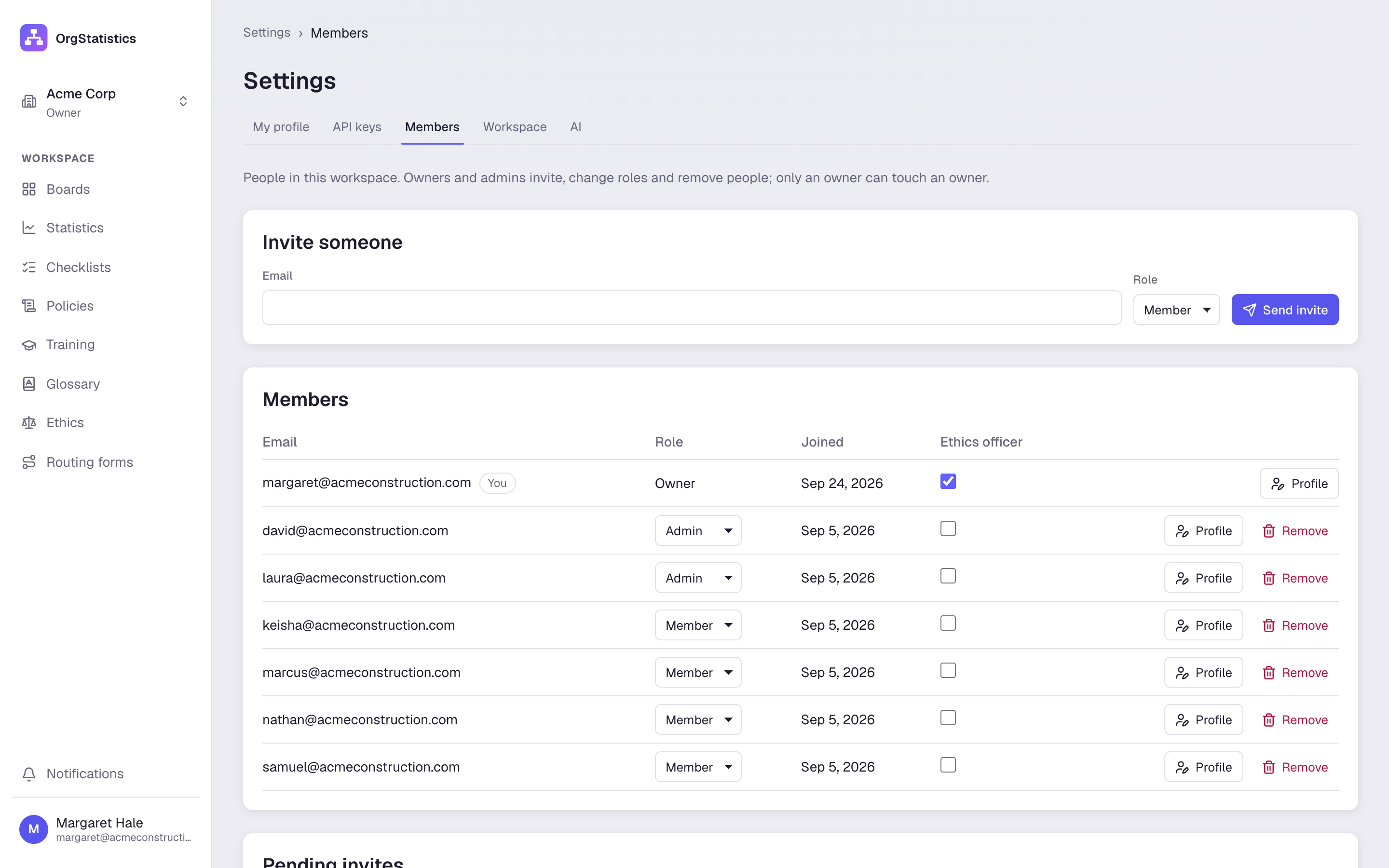
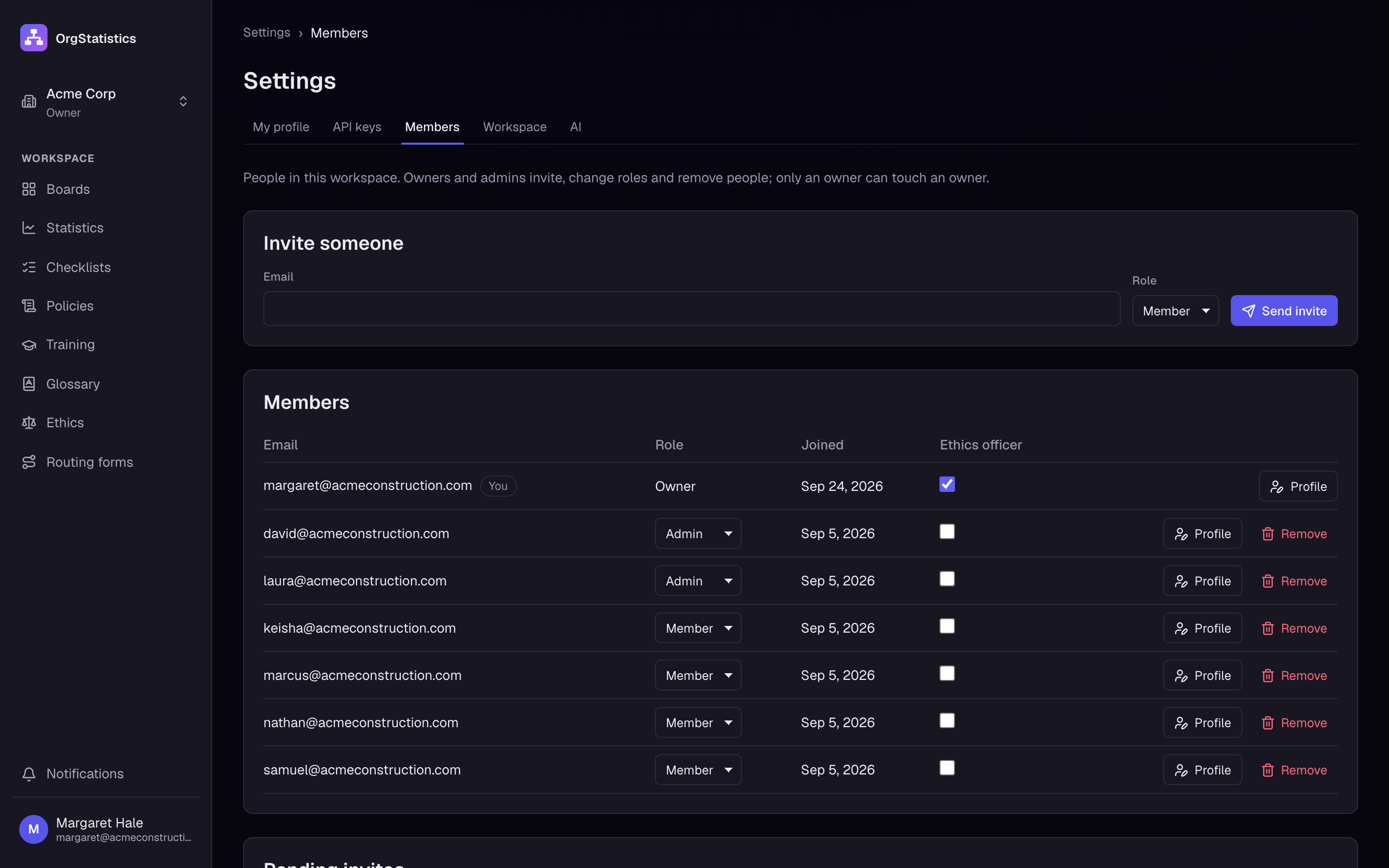
- Owners, admins and members
- Admins edit. Members see the board and add data to their own graphs.
- Invites
- Invite people by email or share an invite link.
- English and Spanish
- The whole app works in English and in Spanish.
- AI included
- The AI helpers work without an AI account or key. Each workspace gets AI credit to start and can add more in settings.
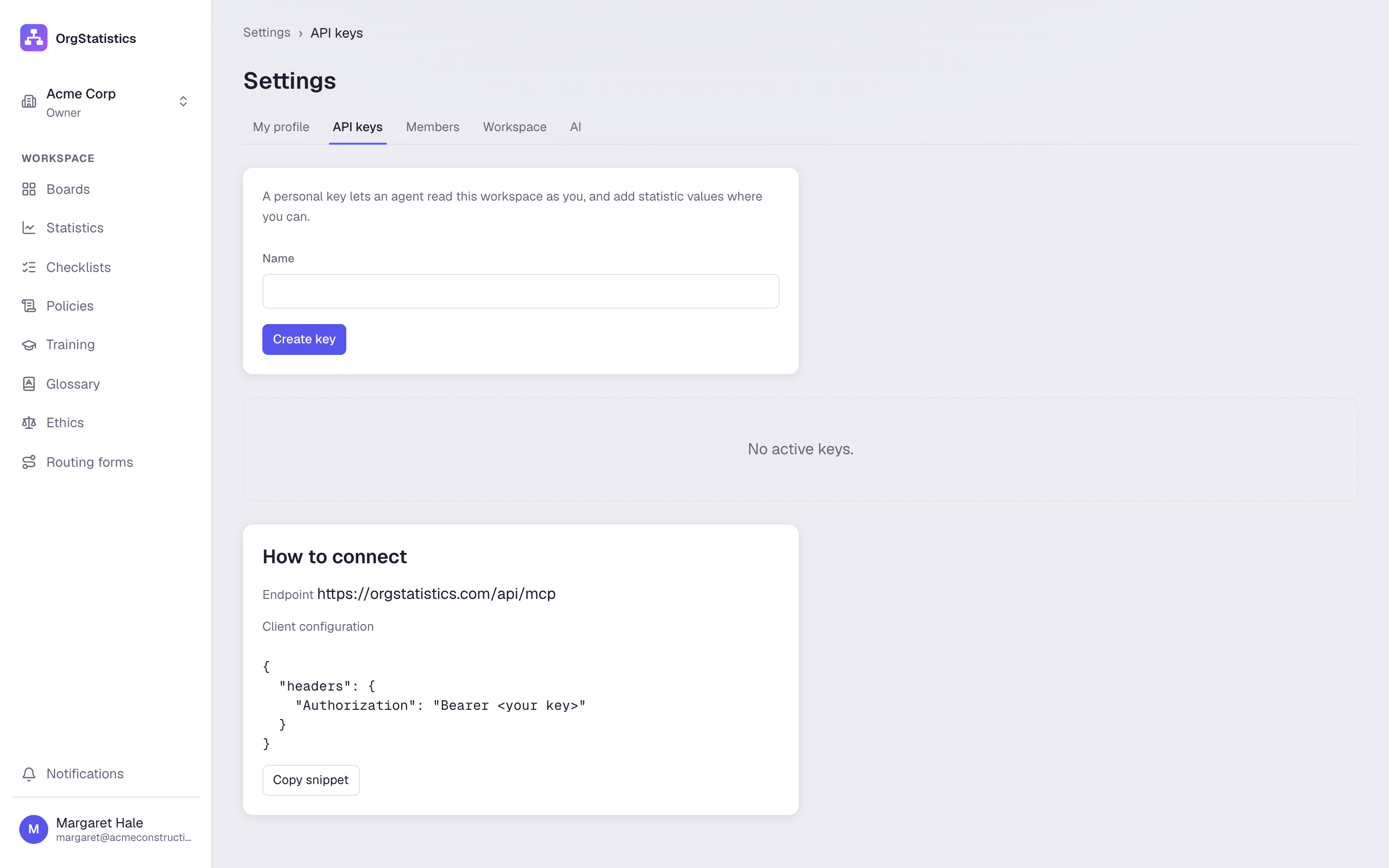
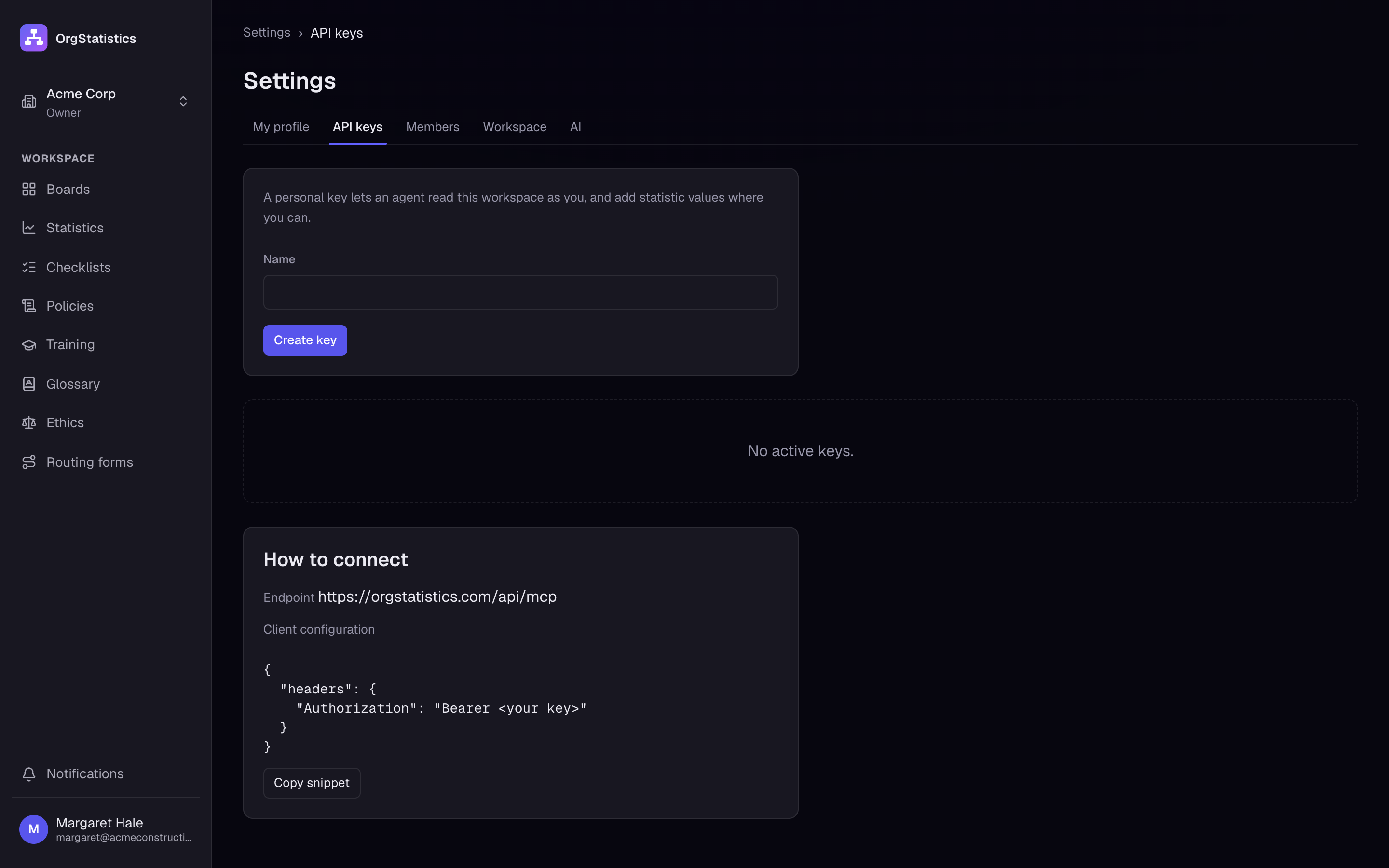
- MCP server and API keys
- Let AI assistants read your boards and statistics with a personal API key.
Pricing
From $25 a month for up to 8 users.
Every feature on every plan. 7-day full refund: if you are not happy, email us within 7 days of your first payment and we refund it in full. support@orgstatistics.com
Questions, answered plainly.
What is an org board?
An organizing board shows every function in the company as a post, grouped into divisions and departments, with the person who holds it and what it must produce. It answers "who does what" at a glance.
Do I have to use the seven-division layout?
No. The seven-division layout is a strong starting point, but you can add, rename and rearrange divisions, departments, sections and units to match your company.
Can I run more than one company?
Yes. One login can hold several workspaces. Each has its own boards, people, statistics and library.
Who can change things?
Owners and admins edit the board and the library. Members see the board and add values to the graphs linked to them or their post.
Does it work in Spanish?
Yes. The whole app works in English and in Spanish, and glossary terms can have both.
Do you use AI on my data?
Only when someone in your workspace clicks an AI button, such as "Write duties with AI". Then only the text for that task goes to our AI provider to draft an answer. Nothing else is sent.
How much does it cost?
Plans start at $25 a month per workspace for up to 8 users, with every feature on every plan. Try the free sandbox before you buy. Your first payment comes with a 7-day full refund. The pricing page has all three plans.
Can I get a refund?
7-day full refund: if you are not happy, email us within 7 days of your first payment and we refund it in full. Write to support@orgstatistics.com.
Can I print the board?
Yes. Print the whole board or one division, and print finished routing forms as a locked record.